Chapter 3
Page 30
Using the Monitor’s Features
Closed Caption
Many programs are encoded with closed-captioning information, which lets
you display the audio portion of a program as text on the monitor’s screen.
Closed captioning is not available on all channels at all times. Only specific
programs encoded with closed-captioning information are applicable. When
a program is closed captioned,
CC is displayed in the channel banner.
Note: Your DISH Network satellite receiver includes closed captioning
features. See your User’s Guide for details.
Note: Closed captioning is not available when using DISH DVI or CMP
inputs.
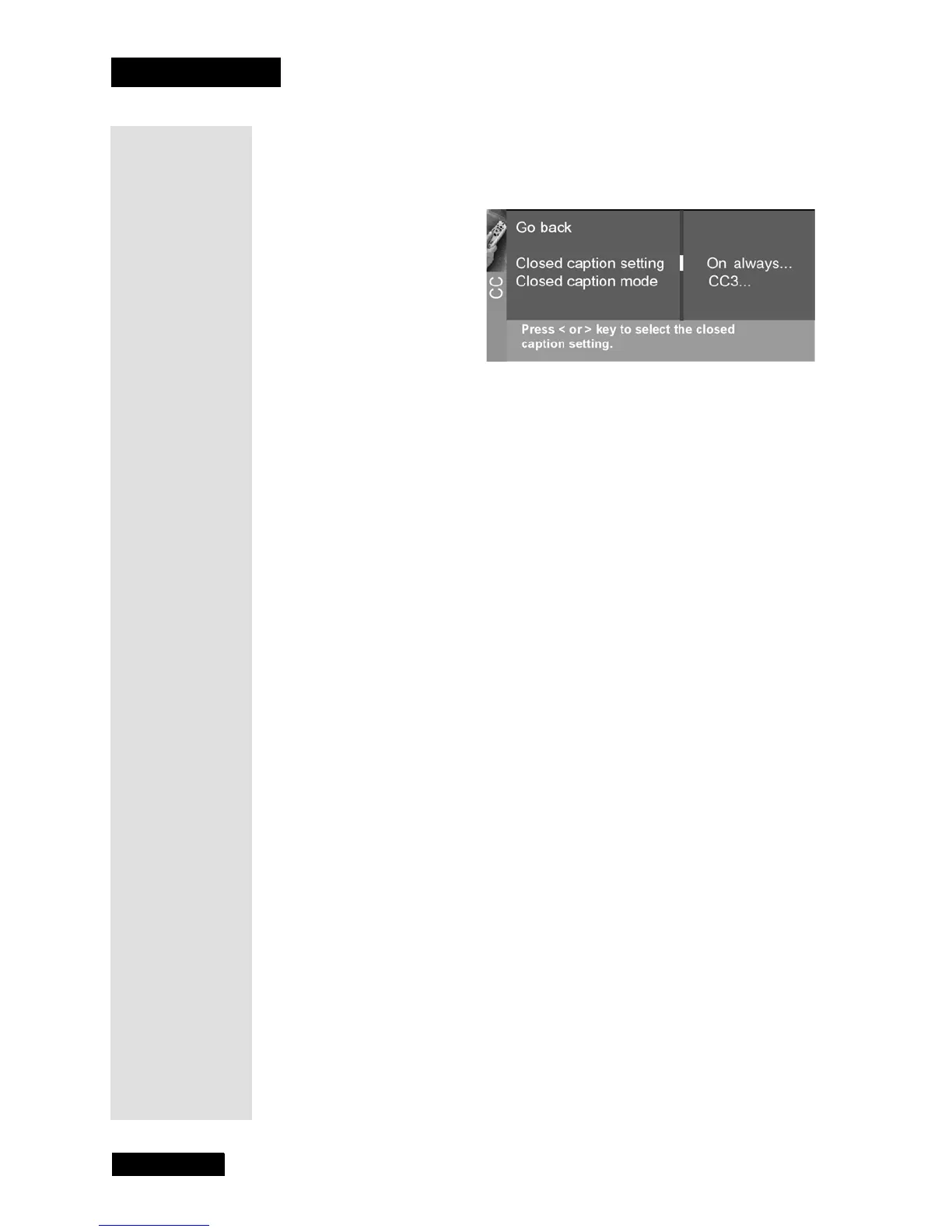
The closed caption options are:
•
Closed Caption setting - Use the LEFT and RIGHT ARROWS to
choose the way closed captioning information is shown on the
screen. Closed captioning is available only on the
ANTENNA/CABLE
connection (capped).
•
Off - No captioning information displayed.
•
On always - Captioning information shown always, when
available.
•
On when mute - Displays captioning information, when
available, whenever the monitor’s sound is muted by pressing
the MUTE button. The captioning information is not displayed
when the sound is not muted.
•
Closed Caption Mode - Displays a choice list that lets you choose
which captioning mode is used for displaying captioning
information. If you are unsure of the differences among the modes,
you may prefer to leave the closed captioned mode set to
CC1,
which displays complete text of the program in the primary
language in your area.



 To Next Page