Page 31
Setup Menu
Autotuning
Note: The SAT mode button has been preset to automatically switch to the
DISH DVI input.
The
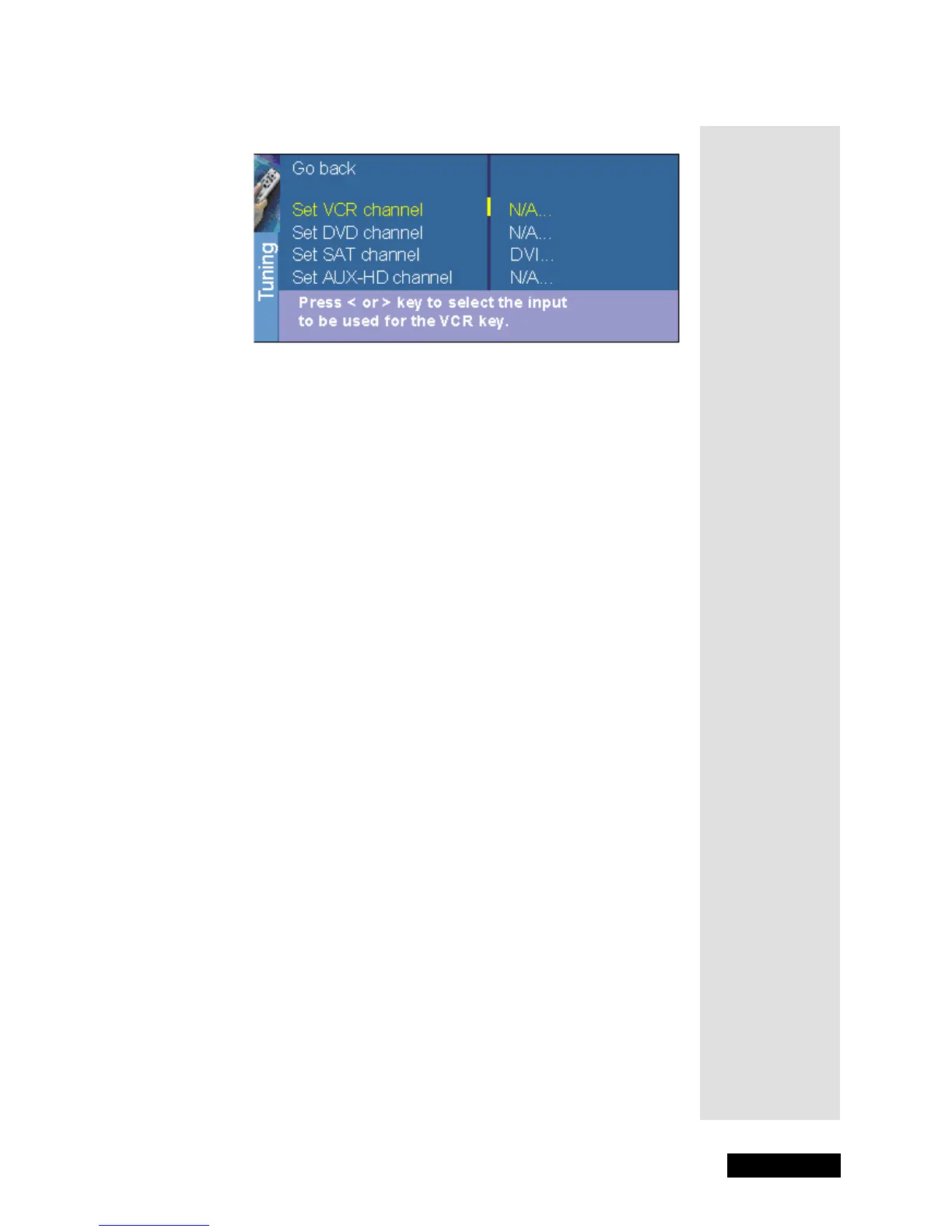
Autotuning menu displays a choice list that lets you set up the monitor
to automatically tune to the correct input channel when you press a mode
button on the remote.
1. Press MENU to display the
Main Menu.
2. Highlight
Setup and press SELECT/OK.
3. Highlight
Autotuning and press SELECT/OK.
4. Choose which channel you would like to set.
Note: The mode buttons on your DISH Network remote control
correspond to the
Autotuning channels as follows:
•The SAT mode button switches to the input assigned to the
SAT
channel, which by default is the
DVI input.
•The VCR mode button switches to the input assigned to the
VCR
channel.
•The AUX mode button switches to the input assigned to the
DVD
channel.
•The
AUX-HD channel is currently unused.
5. Press the RIGHT ARROW button to select the choice that matches the
way you have the device connected to the monitor and press SELECT/
OK.
The choices and brief explanations follow:
N/A - Choose this if you don’t have this particular device connected to
the monitor, or if you don’t want the monitor to automatically tune to
the correct channel when you’re using this device.
Channel 3 or 4 - The device is connected to the CABLE/ANTENNA jack
on the back of the monitor, and you want the monitor to tune to channel
3 when you press the corresponding button on the remote. Reminder:
make sure the device’s CHANNEL 3/4 switch is set to channel 3.
VID1 or VID2 - The device is connected to a VIDEO or S-VIDEO jack on
the back of the monitor and you want the monitor to tune to a
VIDEO
input channel when you press the corresponding button.
Tip: Normally,
you would want
to use the remote
control in SAT
mode to watch
DISH Network
programming
and to use the
extensive fea-
tures of your
DISH Network
satellite receiver.
Tip: Remember
to keep the
remote control in
TV mode to use
these buttons.



 To Next Page