Chapter 3
Page 28
Using the Monitor’s Features
PIP Position
Use the LEFT and RIGHT ARROWS to choose having the PIP window in
the top right, top left, bottom right, or bottom left part of the monitor screen.
Note: PIP position is not available for POP.
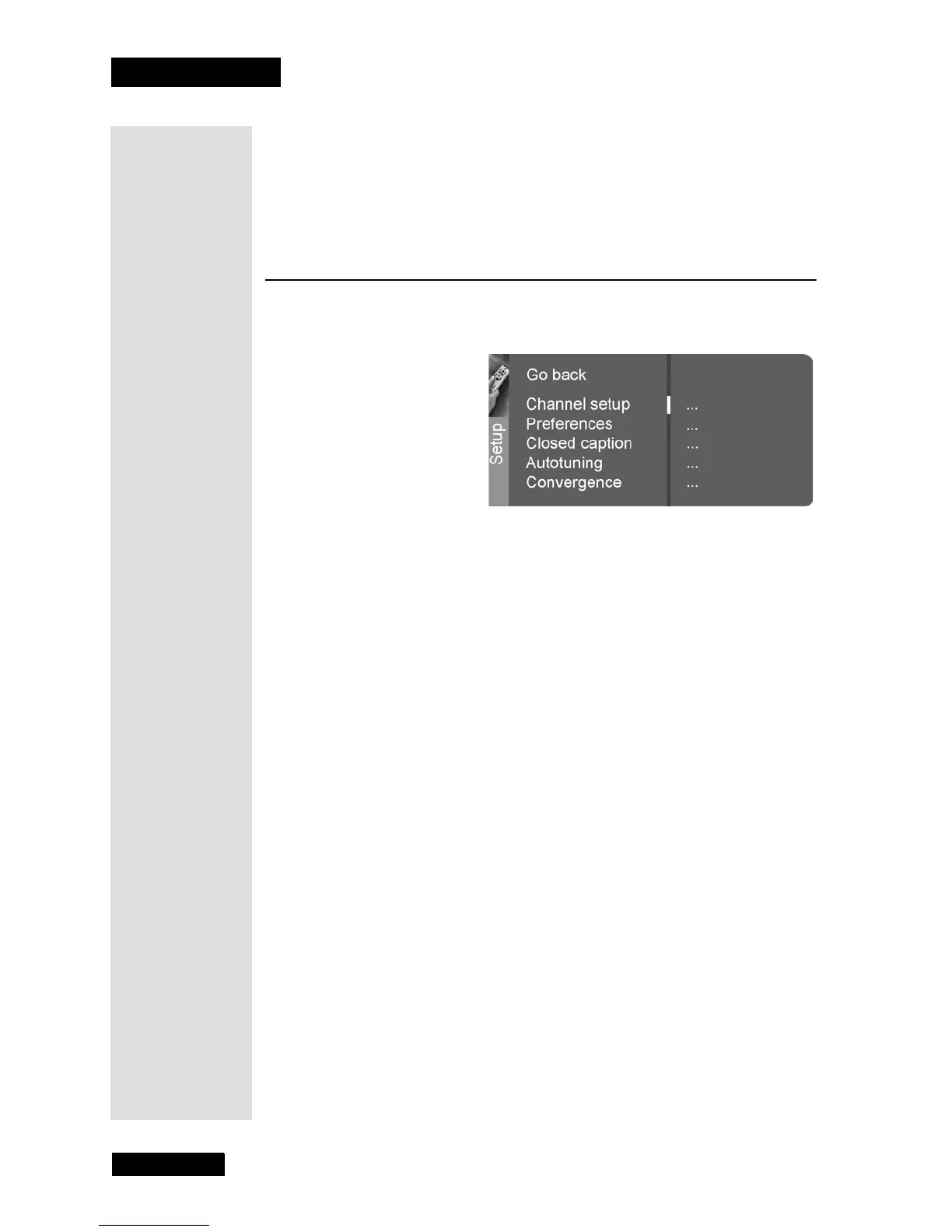
Setup Menu
The Setup menu allows you to customize the way you use your monitor. To
open the
Setup menu, press MENU and then select Setup.
Channel Setup
• Signal Type - Choose signal type for the monitor’s internal tuner.
Choose
Cable if you are using cable or a cable box for TV signals.
Choose
UHF/VHF Antenna if you are using an off-air antenna for
TV signals. Use the LEFT and RIGHT ARROWS to choose the
Signal Type.
Note: For the best viewing experience, you should use the off-air
tuner provided in your DISH DVI-equipped DISH Network satellite
receiver. The satellite receiver’s off-air tuner can receive both
analog and digital off-air broadcasts, will integrate off-air
programming into its Electronic Program Guide, and allows all of
the satellite and off-air programming to be viewed over a single
high-quality digital connection.
•
Auto Channel Search - Searches for channels from the signal that
the monitor’s off-air tuner is receiving and puts them in the channel
list. Press SELECT/OK to search for channels.
•
Auto Channel Update - Searches for any new channels on the
monitor’s internal off-air tuner that are not in your channel list and
adds them to the list. Press SELECT/OK to update the channel list.
Note: The ANTENNA/CABLE connection is capped.
•
List and Labels - Edit the channels in the list or choose labels for
each channel.
•
Standard Labels - Use the LEFT and RIGHT ARROWS to
select from a list of standard labels, such as
NBC, NICK, and
TBS. The DVI input is labelled DISH.



 To Next Page