Page 29
Setup Menu
• Custom Labels - If you want to use different labels than what
is in the standard list, you can make your own custom labels.
• 1 button - Cycle up through the alphabet, numbers, and
other characters.
• 2 button - Cycle down through the alphabet, numbers, and
other characters.
• LEFT ARROW - Backspace.
• RIGHT ARROW - Add a blank space.
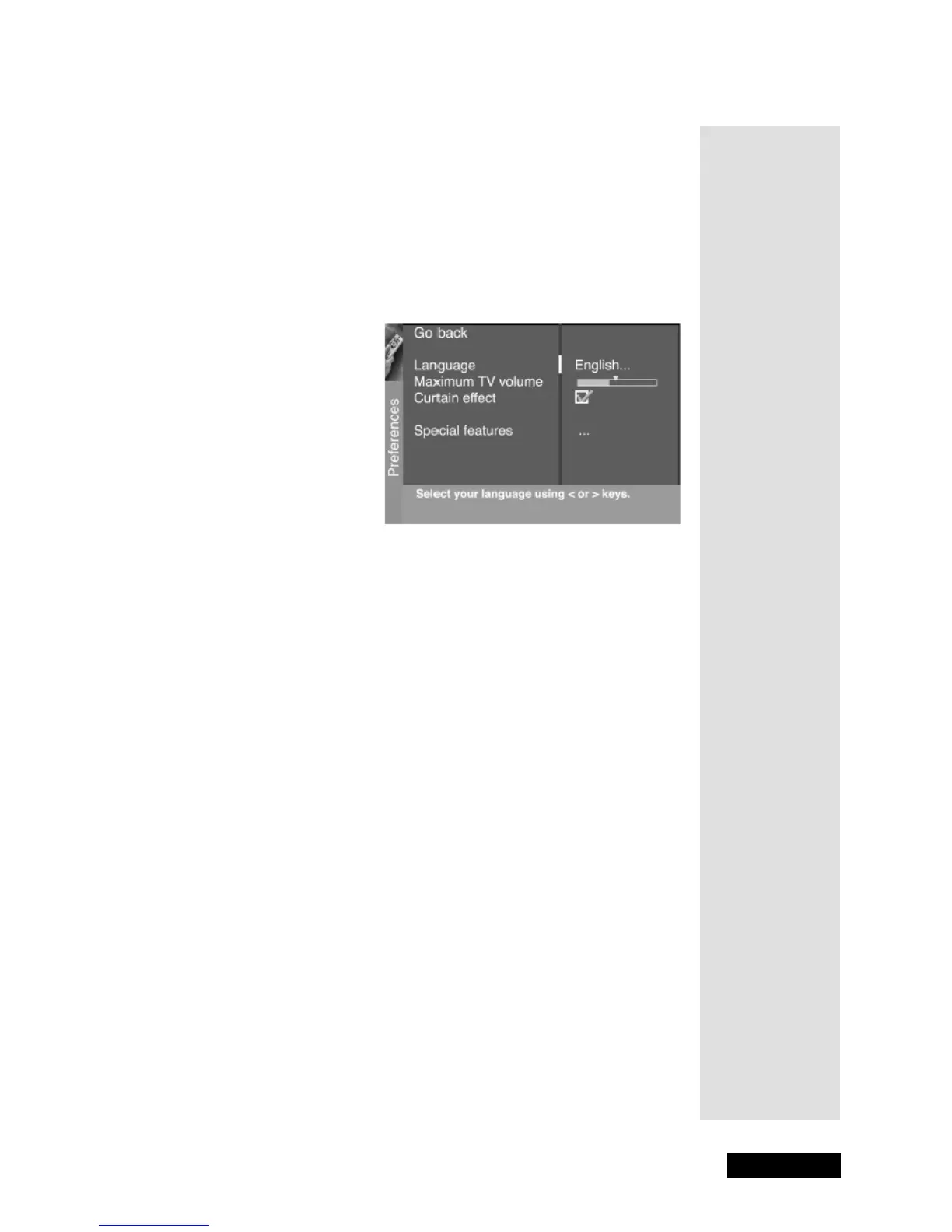
Preferences
• Language - Use the LEFT and RIGHT ARROWS to select your
preferred language for the menus:
English, Spanish, or French.
•
Maximum Volume - Allow you to set how high volume turns up
when you press the VOL+ button. Highlight
Maximum Volume,
then press and hold SELECT/OK to hear the maximum volume.
Use the LEFT and RIGHT ARROWS to set the maximum volume.
Make sure the volume has not been muted or turned all the way
down.
•
Curtain Effect - Reveals the picture by "opening" it from the
middle of the screen when the TV is switched on. Hides the picture
by "closing" it from the sides when the TV is switched off. This
feature is not available for HD (
DISH DVI or CMP inputs).
•
Special Features - Use the SELECT/OK to open the Special
Features
menu. Auto on switches your TV on after a power
outage;
Auto channel tunes the TV to the channel you specify as
the
Initial channel when Auto on is enabled; Auto volume tunes
the TV to the volume you set in
Initial volume when Auto on is
enabled.
Tip: Remember
to keep the
remote control in
TV mode to use
these buttons.



 To Next Page