Chapter 2
Page 12
Monitor Description
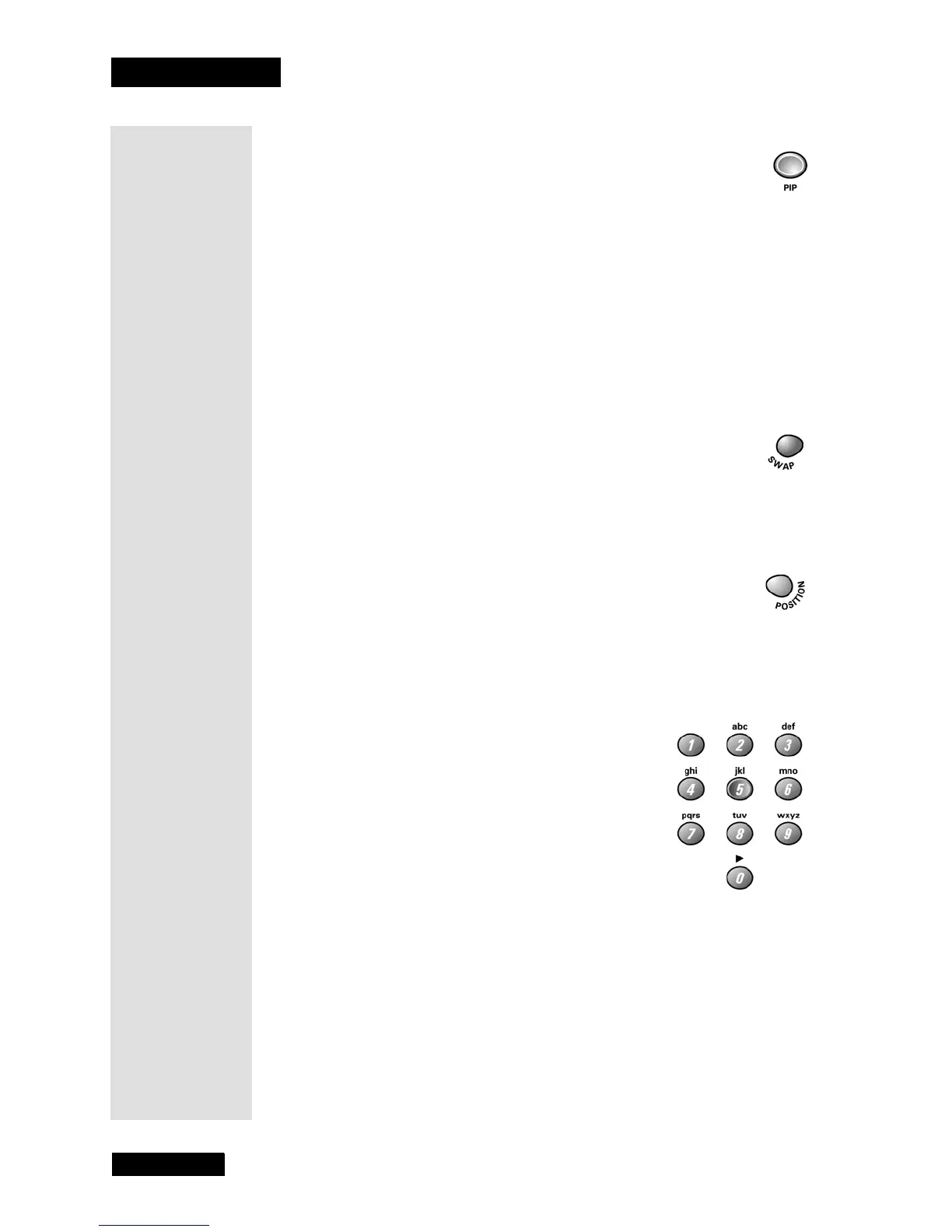
Number Pad Buttons
Use the NUMBER PAD buttons to enter a channel
number to change the channel.
To enter a one-digit channel, enter a zero first. To
enter a two-digit number, enter the two digits. To
enter a three-digit number, press and hold the 1
button until
1-- displays, then add the second and
third digits (for example, to tune to channel 123,
press and hold 1 until
1-- displays, release the 1
button, and then press 2 and 3).
Note: For the best off-air viewing experience, you should use the off-air
tuner provided in your DISH DVI-equipped DISH Network satellite
receiver. The satellite receiver’s off-air tuner can receive both analog and
digital off-air broadcasts, integrates off-air programming into its Electronic
Program Guide, and allows all of the satellite and off-air programming to be
viewed over a single high-quality digital connection.
PIP Button
Press this button to open the Picture-In-Picture (PIP) window. Press the
button a second time to open the Picture-Outside-Picture (POP) window.
When you press the PIP button a third time, the POP window will close.
Press the CANCEL button at any time to close the PIP or POP window.
See page 13 for more details on PIP and POP.
Note: PIP through the monitor is not supported on DISH DVI, CMP1, and
CMP2. However, your DISH DVI-equipped DISH Network receiver may
have PIP capabilities which will allow PIP on the
DISH DVI input. See your
User’s Guide for your satellite receiver.
Swap Button
Press this button to swap the video in the main display with the video in the
PIP or POP window.
Position Button
Press this button to move the PIP window to different positions on the
monitor screen.
Tip: PIP lets
you watch two
channels at
one time - one
channel on the
main screen
and the other in
a smaller win-
dow. POP also
lets you watch
two channels at
one time - one
channel on the
left side of the
screen (main
picture) and the
other on the
right.



 To Next Page