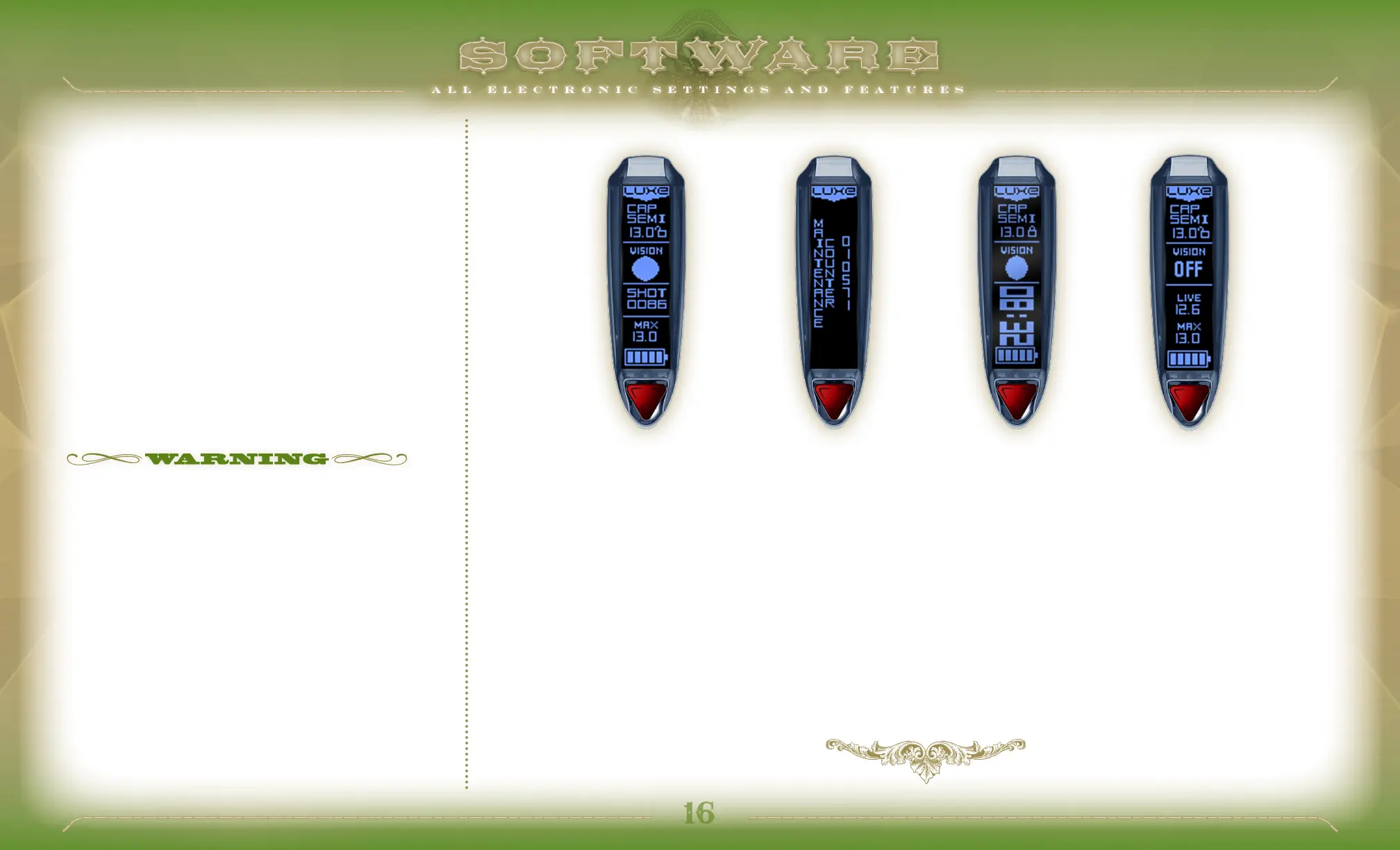
GAME TIMER ENABLE
The Luxe
®
is equipped with a count-down timer. When Game Timer
Enable is turned on, the Luxe
®
switches to an alternate display
layout,showing the remaining game time. The game timer begins
counting down after a single short press of the power button.
GAME TIMER
The Game Timer may be set between 1 and 60 minutes, in 1 minute
increments.
SHOT
COUNTER
GAME
TIMER
MAINTENANCE
COUNTER
VISION
OFF
SHOT COUNTER
When set to on, the Shot Counter will be displayed on the Luxe
®
OLED
display. The counter will reset each time the marker is turned off, and
will not be displayed if the Game Timer is enabled.
WHILE REFERENCES TO PAINTBALL TOURNAMENT LEAGUE RULES ARE
ACCURATE AT THE TIME OF THIS WRITING, IT IS NOT UNCOMMON FOR
PAINTBALL LEAGUES TO MAKE CHANGES TO THEIR RULES. IN ADDITION TO
THE MODE CHOICE, SOME SERIES WILL REQUIRE THE USE OF THE LUXE
®
’S
BPS LIMIT TO LIMIT MAXIMUM RATE OF FIRE. BE SURE TO MAKE YOURSELF
FAMILIAR WITH THE RULES OF ANY TOURNAMENT, SCENARIO OR GAME
WHERE YOU WILL BE PLAYING, TO BE CERTAIN YOUR LUXE® SETTINGS ARE
IN COMPLIANCE.


 To Next Page