DOD Technologies, INC • 675 Industrial Dr. Bldg. A • Cary, IL 60013 • Phone (815) 788-5200 • Fax (815) 788-5300
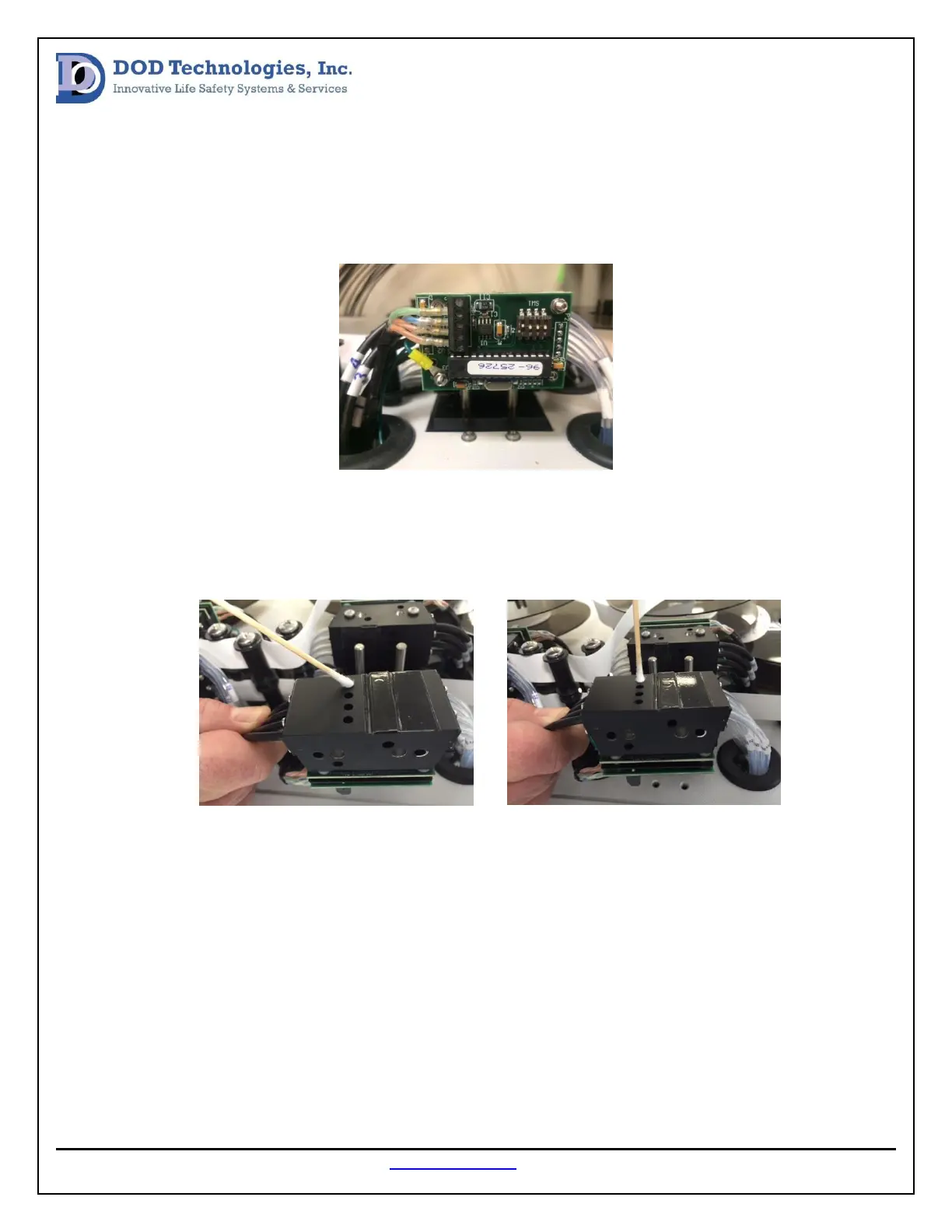
After the cover is removed, unscrew the two phillips screws holding the optic block down and pull the
block over the optic alignment pins (see image below note; the pictures are showing a 16 point analyzer
not a 32 point analyzer. In the case of a 32 point analyzer there will also be a black plate that lies
between the lower 16 points and upper 16 points, the alignment pins and hold down screws will be
longer.
At this point the face of the block will be exposed and all the optic channels will be accessible. Using the
alcohol and cotton swabs clean both of the fiber optic channels within the point that has reported a DAC
value over 140. Notice there are two fiber optic lenses per point. Both must be cleaned for the best
possible results (see images below).


 To Next Page