Operation Section
-75-
Getting started
Turning the unit on/off
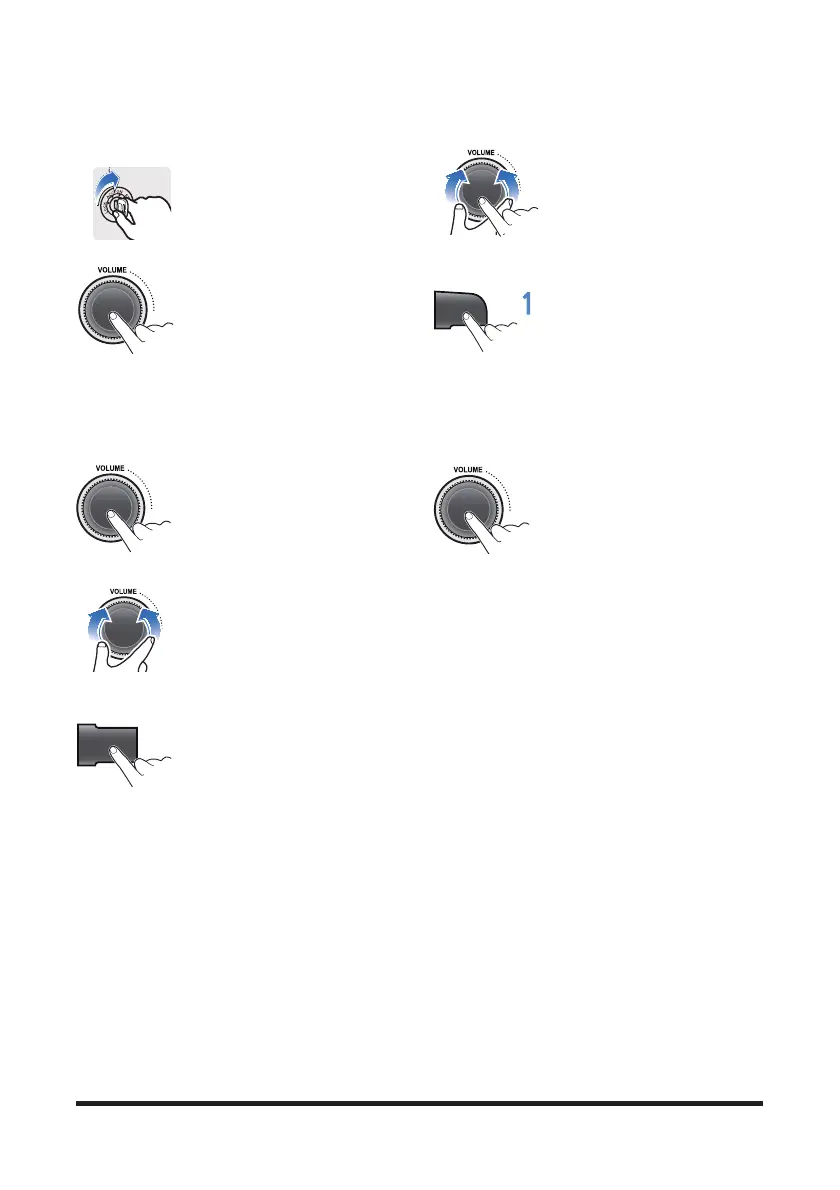
1. Turn your car's ignition key to
ACC or IGN (ON) position.
Displays the current time.
2. Press the POWER button to turn
the power on.
If the source is ready, playback
also starts.
To turn on the power directly
By connecting an USB into the USB port or pressing
the AM/FM or USB button (while the USB device is
connected), you can also turn on the power and the
unit then plays.
3. When power is on, press and
hold the POWER button to turn
power off.
Adjusting volume directly
1. Turn the VOLUME dial to control
volume.
Available volume range: 1 - 41.
Setting the sound
1. Press MENU button repeatedly
to select the Sound setting mode
as below;
• BAS (Bass): sets the bass sound level. (-5 ~ +5)
• MID (Middle): sets the middle sound level. (-5 ~
+5)
• TRE (Treble): sets the treble sound level. (-5 ~ +5)
• FAD (Fader: Option): sets the sound fade
between the front and rear speakers. (F15 ~ R15)
• BAL (Balance): sets the sound balance between
the right and left speakers. (L 15 ~ R15)
• LOUD (Loudness): turn Loudness mode on/off
• EQ (Equalizer style): selects the one of the 7 EQ
styles (EQ OFF, POP, ROCK, COUNTRY,
VOICE, JAZZ, CLASSIC)
• BEEP (Beep): turn Beep sound on/off
• SCROLL (Scroll): turn Scroll mode on/off
• VOL (Volume): sets the sound volume level.
(VOL 0 ~ VOL 41)
2. Turn the VOLUME dial left/right
to adjust the value of the level,
balance or style.
Setting the Loudness mode
1. Press the LOUD button to turn
l
oudness mode on/off.
Increases the level for low
frequency.
To turn the loudness option off, press the LOUD
button again.
Muting the sound quickly
1. Press the MUTE button to turn
mute on. "MUTE" will flash on the
display and mute the sound.
Press the MUTE button again or
turn VOLUME dial to restore sound.
MENU
LOUD



 To Next Page