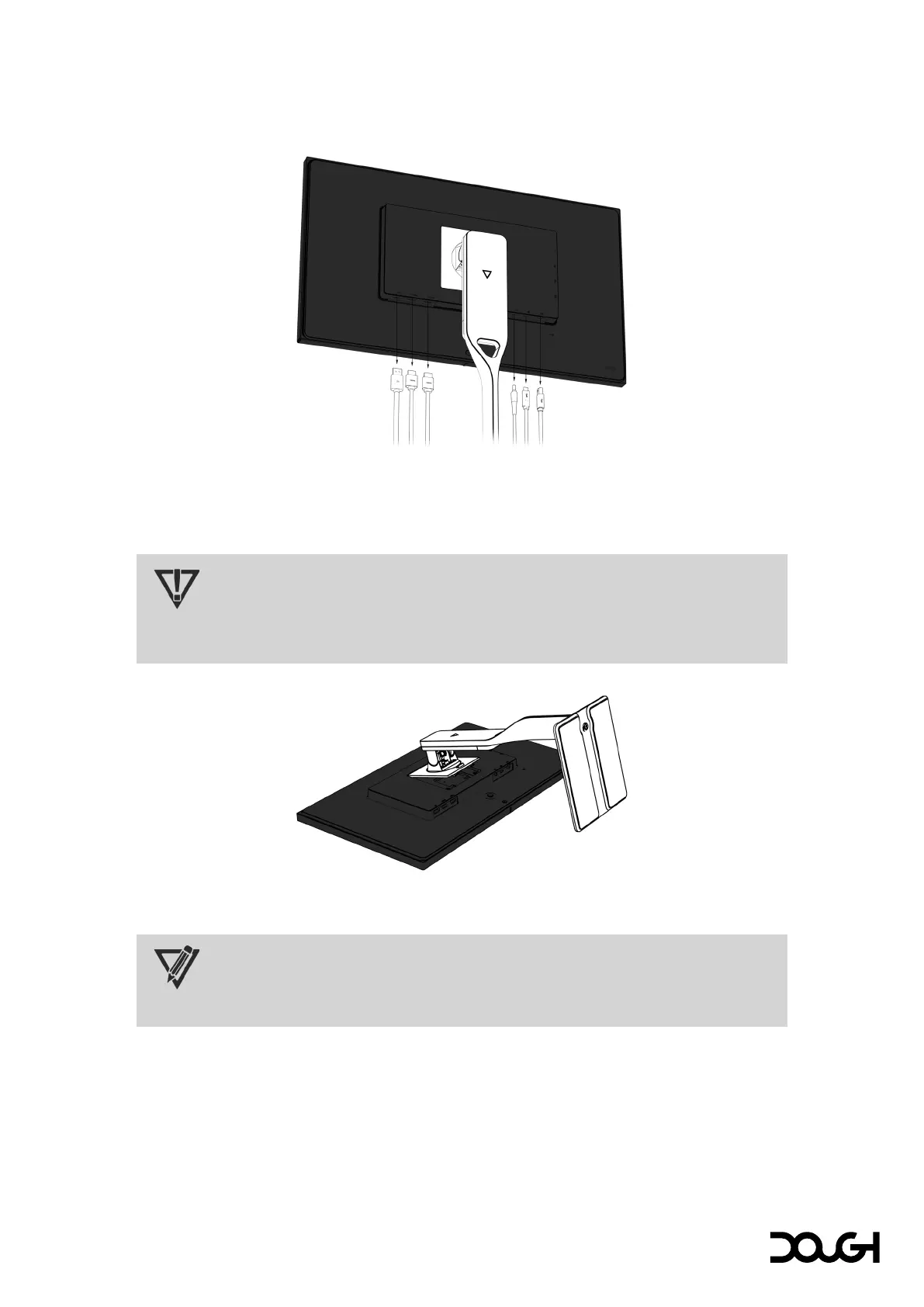
Removing the Spectrum Stand
1. Disconnect and remove all cables from the monitor.
2. Position the monitor face-down on a flat and stable surface.
3. Slide up the quick-release button on the stand and lift the stand away from the monitor.
IMPORTANT
To prevent the screen from getting scratched, defaced, or broken, cover your work surface
with protective sheet foam or a non-abrasive cloth.
NOTE
The Dough Spectrum Stand (model ES07D04) is sold separately.



 To Next Page