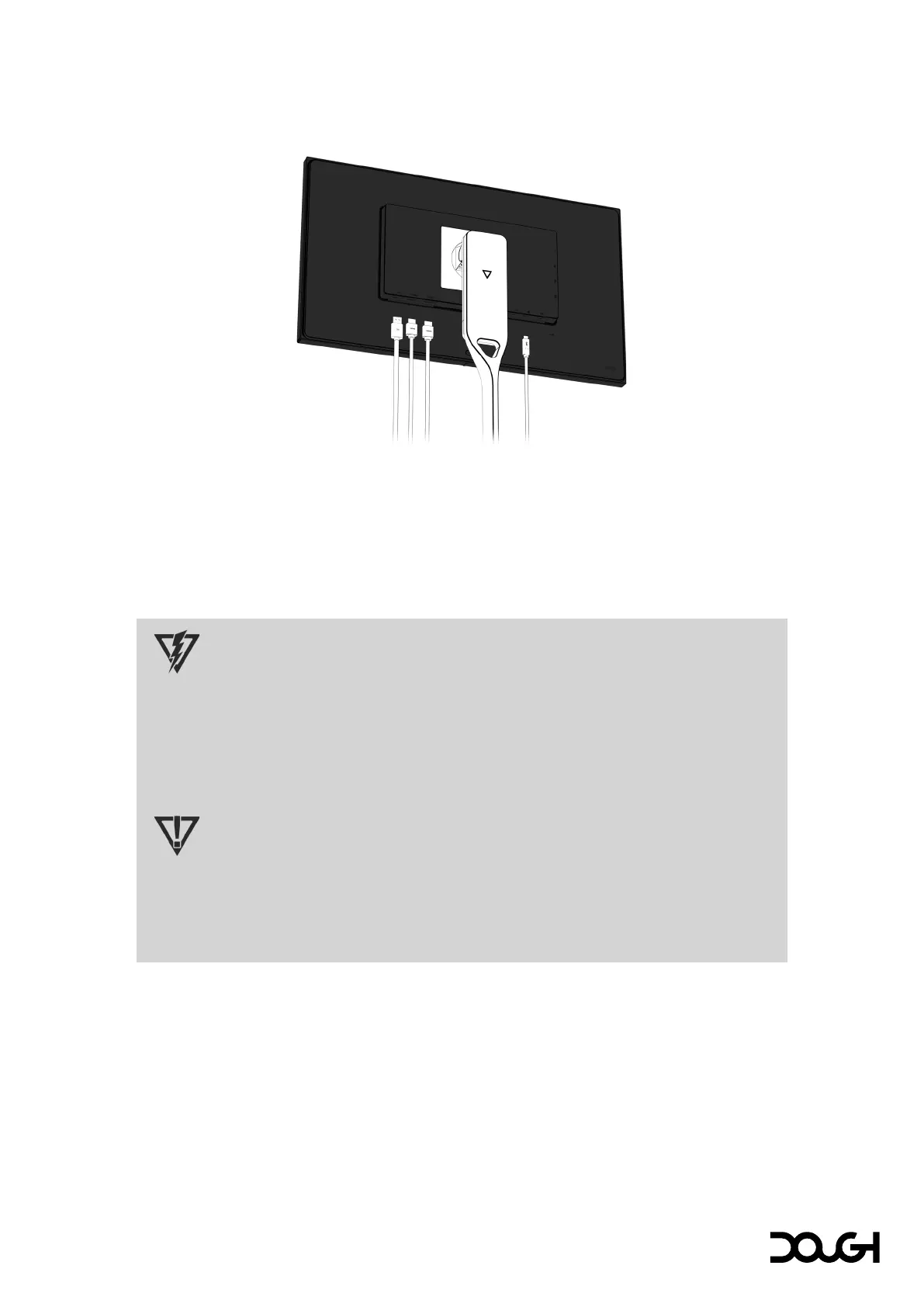
Connecting video cables
• Connect one end of an HDMI cable to one of the HDMI ports along the bottom of the
monitor, and the other end to the HDMI port on the source device;
• Connect one end of a DisplayPort cable to the DisplayPort connector along the bottom of
the monitor, and the other end to the DisplayPort connector on the source device; and/or
• Connect one end of a USB Type-C cable to the USB Type-C port along the bottom of the
monitor, and the other end to the USB Type-C port on the source device.
CAUTION
When powering or charging your device via USB Type-C, DC power does not need to be
connected. Do not connect two power sources (DC power in and USB Type-C) to the host
device simultaneously.
Use only USB Type-C cables that are rated for up to 100W of power delivery. The use of
inappropriate cables could represent a fire hazard. Charging at high power can cause high
temperatures. Consult the documentation that came with your device about fire safety.
IMPORTANT
The host computer must be able to support the USB Power Delivery protocol over the USB
Type-C connector to be charged or powered by Spectrum.
The host computer must be able to support DisplayPort Alternate Mode over the USB Type-
C connector to provide Spectrum with an image signal.



 To Next Page