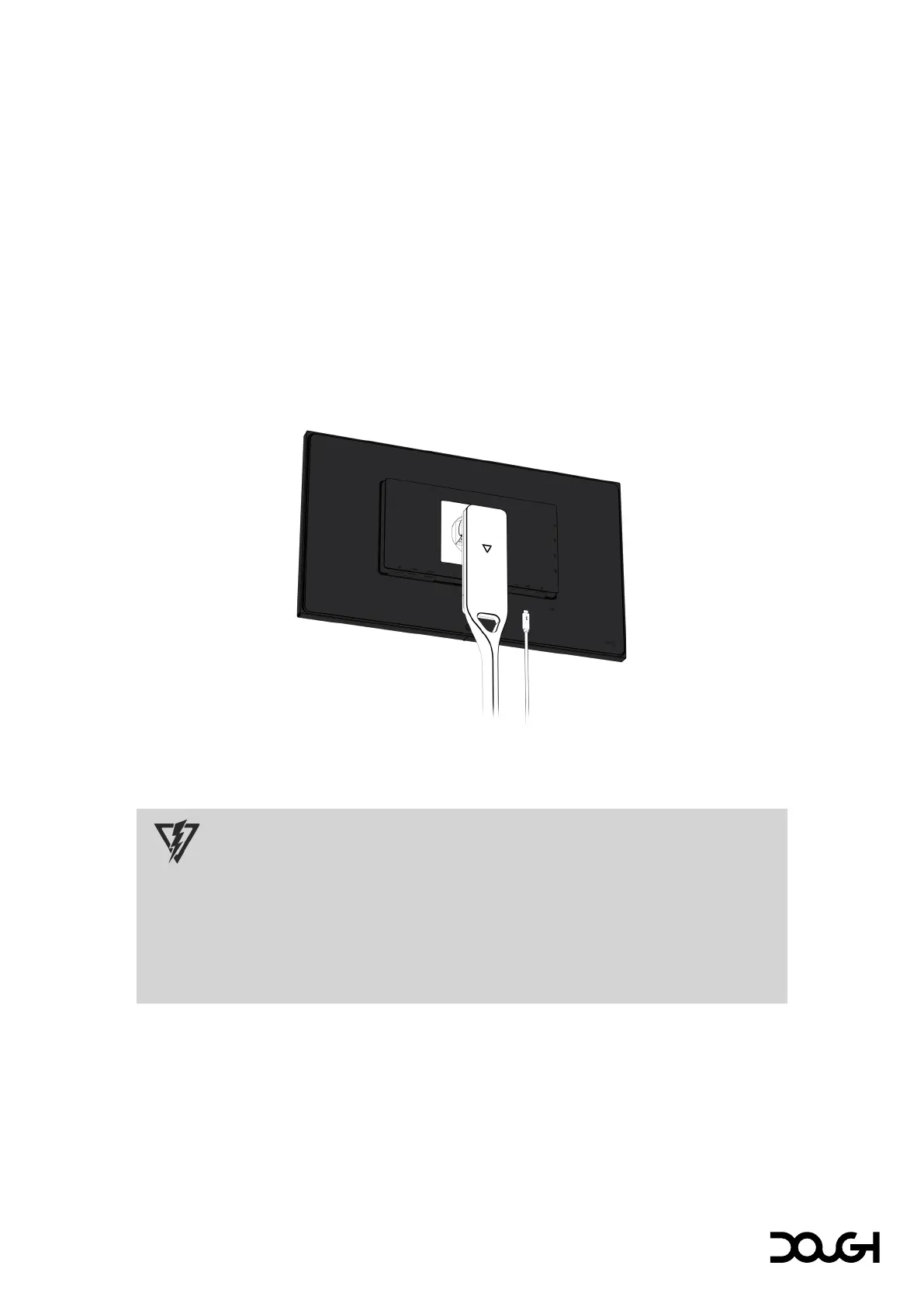
Cool features
One-cable solution
Typically, separate cables are needed to connect your monitor to your computer for video, audio,
and USB data. Additionally, yet another cable is required to charge your laptop or other mobile
device. With USB Type-C, you can do all of that with just one cable, simplifying the setup process.
It's also a neat and straightforward way to declutter your desk from a tangle of cables.
You can attach a computer, notebook, or similar device to the monitor with a single USB Type-C
cable, which then provides connectivity for high-speed data, audio, video, and up to 100W of power
or charging.
• Connect one end of a USB Type-C cable to the USB Type-C port along the bottom of the
monitor and the other end to the USB Type-C port on the computer, notebook, or other device.
CAUTION
When powering or charging your device via USB Type-C, DC power does not need to be
connected. Do not connect two power sources (DC power in and USB Type-C) to the host
device simultaneously.
Use only USB Type-C cables that are rated for up to 100W of power delivery. The use of
inappropriate cables could represent a fire hazard. Charging at high power can cause high
temperatures. Consult the documentation that came with your device about fire safety.



 To Next Page