106 Instructions for use | Atlan A100 (XL), A300 (XL), A350 (XL) SW 2.1n
Getting started
6.5 Checking the operational readiness
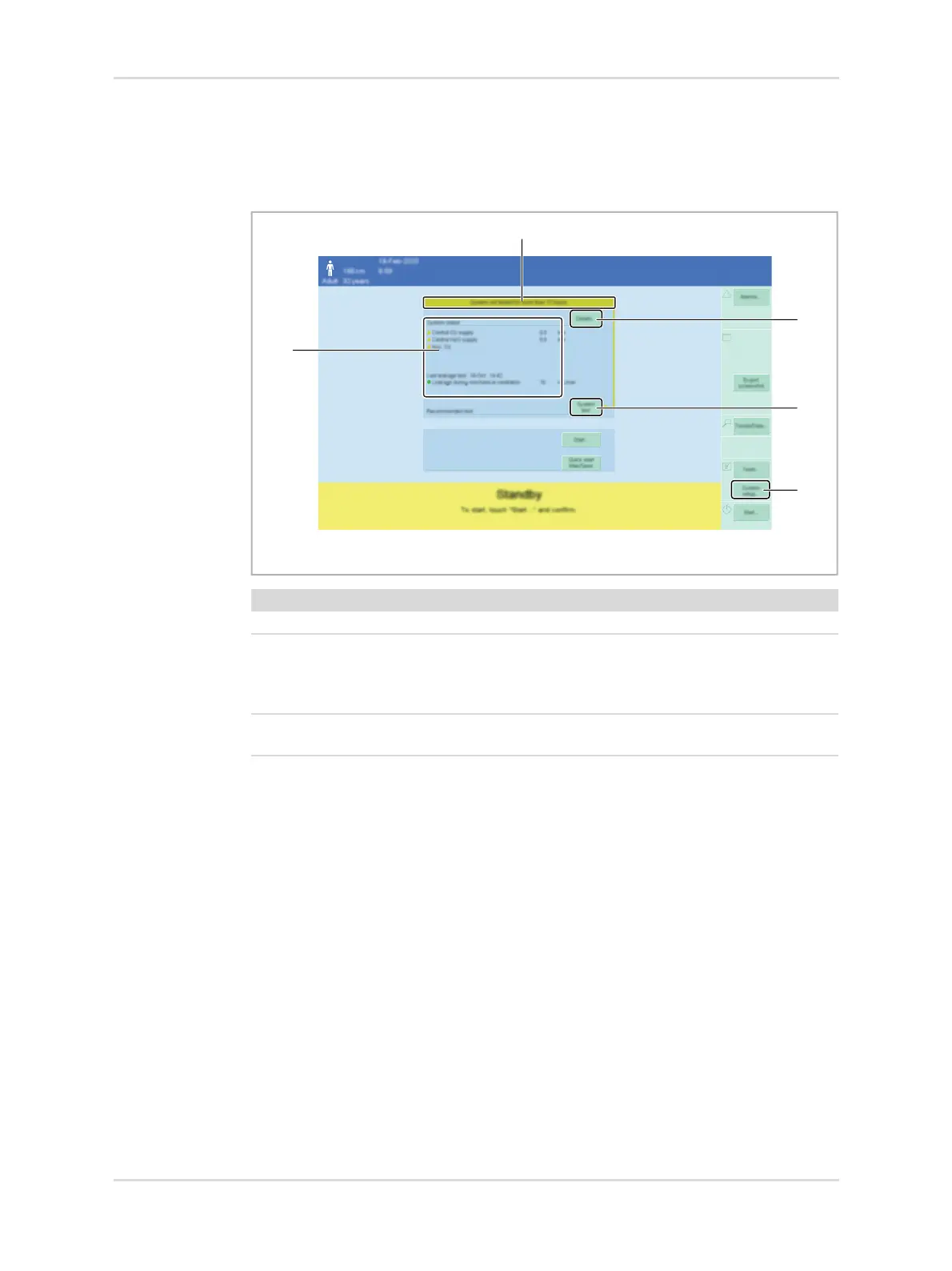
The Standby page uses different colors (1) to indicate whether the system test was
successful and the device is ready for operation.
If the device is not fully operational, the most important irregularities (5) are
displayed along with a recommendation to perform a specific test (3).
Additionally, the current system leakage is displayed in area (5).
To view details regarding the status of the device, touch the Details... button (2) or
the Tests... button (4), see page 110.
Dräger recommends performing the system test every 24 hours. Otherwise, it will
not be possible to ensure that the device is functional. To ensure that operation
remains possible, the system test must be performed at the latest 28 days after the
last system test.
35034
Color Meaning
Green System is fully operational.
Yellow System is operational with limitations.
There are functional restrictions.
Take further measures to ensure patient safety (e.g., external
monitoring).
Red System is not operational.
Contact service personnel if necessary.


 To Next Page
 Loading...