Instructions for use – Infinity Acute Care System – Monitoring Applications VG6.n 481
System configuration
Deleting a browser page
In the following steps, the letters in parentheses
refer to the diagram of the Web browser page on
page 480.
To delete a browser page
1 Access the Web browser page (see page 470).
2 Select the website you wish to delete in the pick
list.
3 Select the Delete button (L).
Configuring Citrix applications
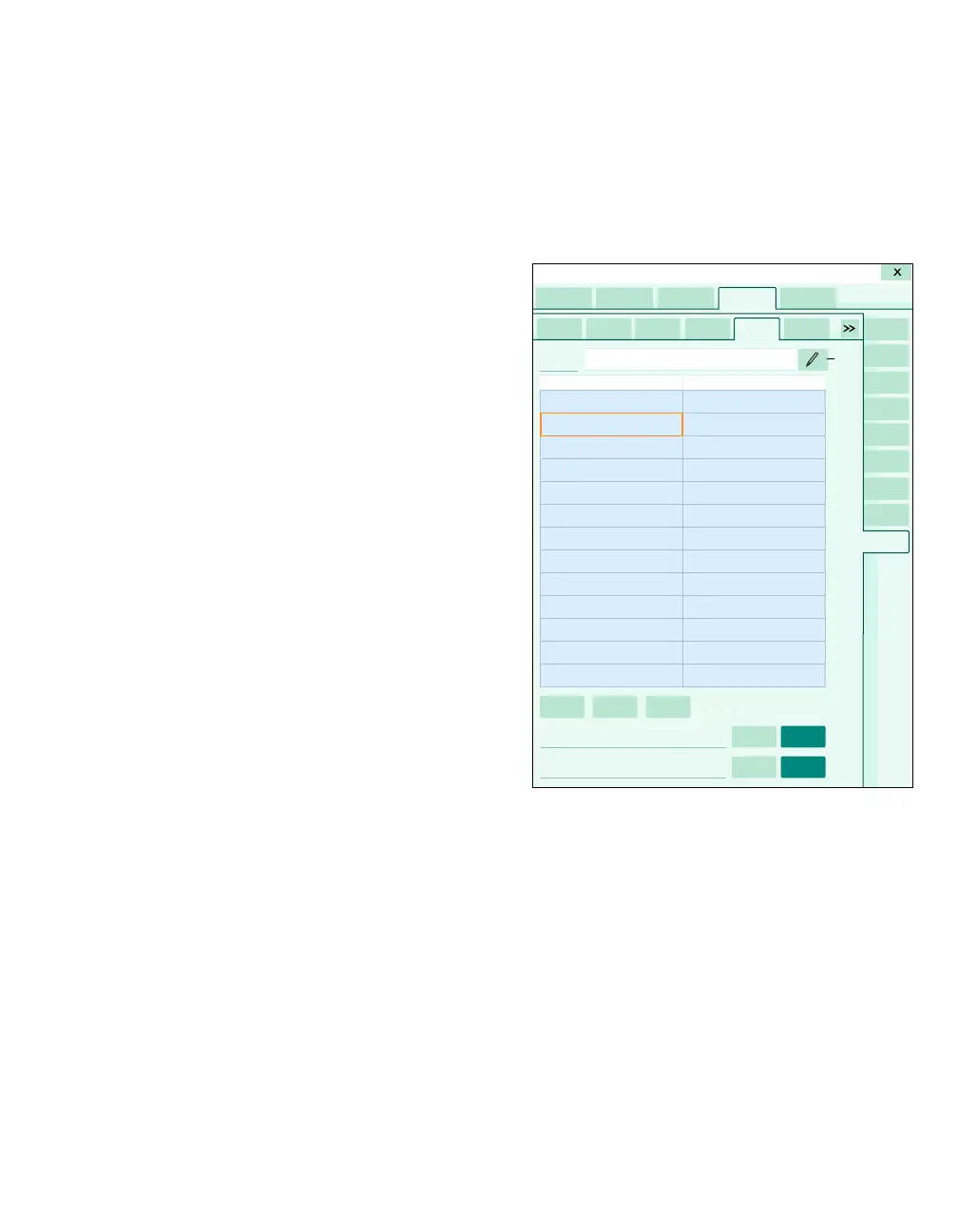
The following diagram shows the Application page
for configuring Citrix applications. Citrix allows you
to access remote applications without running the
actual application on the Cockpit.
A Application tab
B IT tabs
C Name symbol and field
D Name column
E Value column
F List of Citrix client object properties
G Auto logoff on and off buttons
H Tab visible on and off buttons
I Edit button
J Delete button
K Add button
066
A
B
B
B
B
B
C
D
E
F
G
H
I
G
J
System setup
H
K












 To Next Page