System configuration
482 Instructions for use – Infinity Acute Care System – Monitoring Applications VG6.n
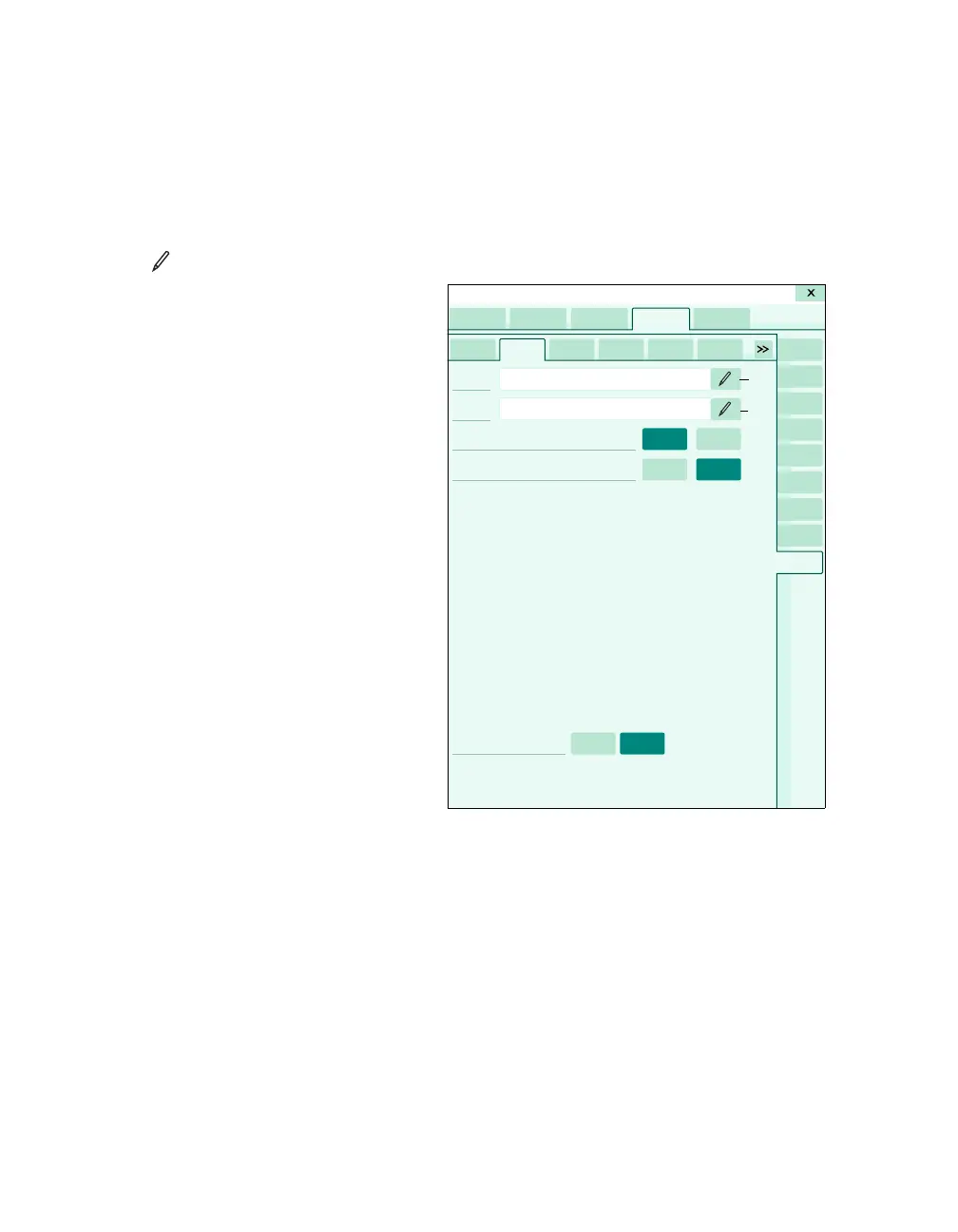
To configure a Citrix application
In the following steps, the letters in parentheses
correspond to the diagram for the Application
page (see page 481).
1 Access the Application page (see page 470).
2 Select the symbol next to the Name menu
selection (C) to activate a keyboard for
changing the name of the IT tab label (the name
of the actual tab in the IT setup page does not
change.
3 Define the ICA client object properties needed
for connection to your Citrix environment. The
Name column (D) defines the property being
used and the Value column (E) defines the
value needed.
Refer to the Citrix ICA Client Object
documentation for more information.
Configuring IT tabs
The following diagram shows an example of an IT
page. When the appropriate IT application option is
unlocked, IT tabs appear with the corresponding
label of a pre-configured URL address, provided
the web enabled tab option is also unlocked.
A Biomed tab
B IT tabs for accessing setup pages for the
corresponding IT applications.
C Name button and description field
D URL button and description field
E Full Trust on and off buttons
F Block Popups on and off buttons
G Tab visible on and off buttons
059
A
B
C
D
E
F
F
G
G
E
BB
B
B
B
System setup












 To Next Page