Changing passwords
The passwords set before delivery i.e. 1 for maintenance and 2 for
configuration can be changed by means of the » PASSWORD MAINTAIN « or
» PASSWORD CONFIG. « functions.
In measurement mode:
● Press [ u ] key.
● Enter password (for maintenance or configuration).
● Press [ u ] key to change over to menu mode.
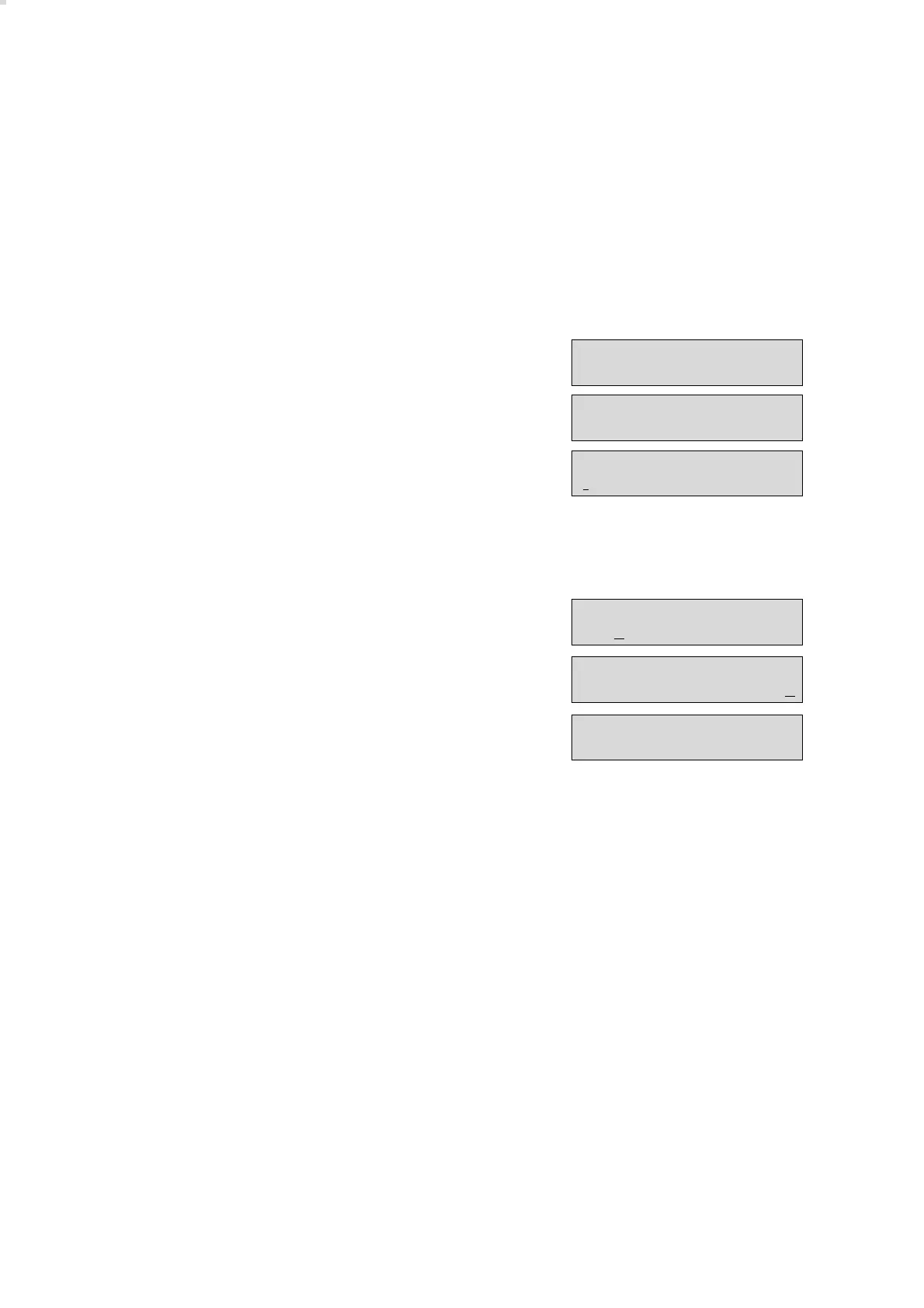
Display:
● Use [ q ] or [ l ] key to select the » PASSWORD MAINTAIN « or
» PASSWORD CONFIG. « option.
● Press [ u ] key to call up the option selected. Display:
● Use the [ q ] and [ l ] keys to set the number or letter for the new
password. Use the [ j ] or [ k ] keys to change the cursor position and
set the next number or letter.
The password can be a four-digit sequence of figures or letters.
Once the new password has been set:
Display e.g.:
● Press [ u ] key. The query "Password ok?" appears.
If the new password is correct:
● Use [ k ] key to select » y « (yes) and then press the [ u ] key to store the
new password –
the function is quit and the menu option is displayed again.
Menu mode
Changing passwords
76
MENU:
MEASUREMENT
MENU:
PASSWORD MAINTAIN
Password Maintain
MENU:
PASSWORD MAINTAIN
Password Maintain
16Au
Password ok ?
16Au y / n


 To Next Page