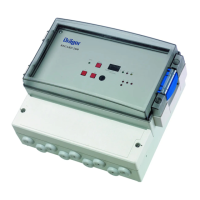
Starting up the VarioGard system
The VarioGard transmitters connected to the system bus are precalibrated
before delivery and immediately ready for use after the DrägerSensor
warm-up time.
● Connect the system to the power supply.
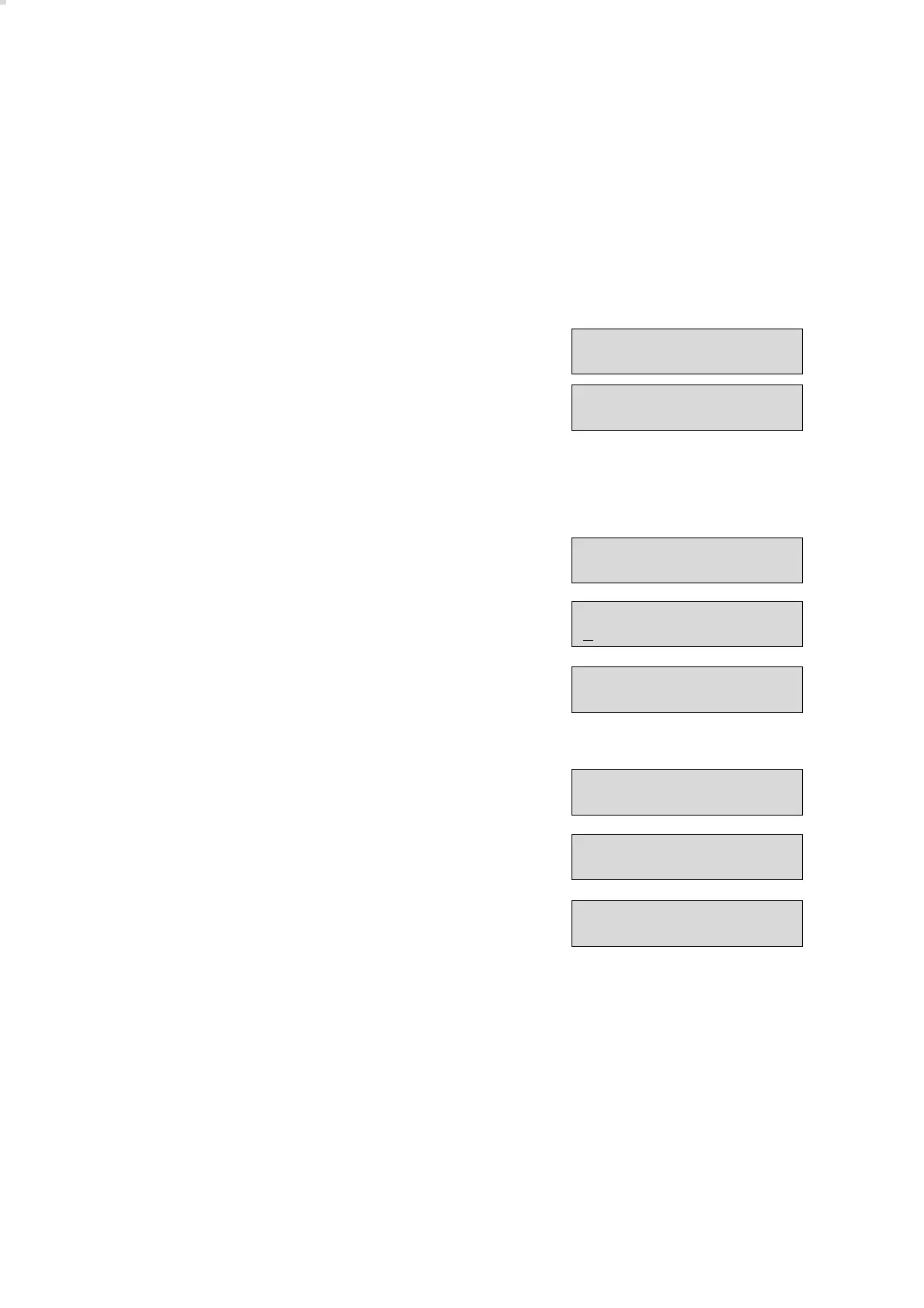
– Display on central unit:
– The yellow LED flashes.
The following steps have to be performed for start-up:
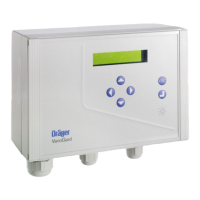
● Press [ u ] key to change over to password mode:
● Enter password:
Press [ q ] keys twice to set » 1 «.
● Press [ u ] key to acknowledge and change over to menu mode:
● Use the [ l ] key to select the menu option » SET LANGUAGE «.
● Press [ u ] key to activate the menu option.
● Use [ q ] or [ l ] key to select the desired language.
● Press [ u ] key to set the language. The menu option is displayed again.
● Register all slaves (transmitter and modules), see page 71.
● Set time, see page 70.
The following settings or tests should be run to check installation:
● Test relays, see page 74.
The basic factory settings can only be altered by DrägerService.
● Contact DrägerService.
56
Starting up the VarioGard system
Dräger VarioGard
No Transmitter !
Dräger VarioGard
## : ## Set clock !
Password ?
_
Password ?
1
MENU:
MEASUREMENT
MENU:
SET LANGUAGE
Set language ?
english
MENU:
SET LANGUAGE


 To Next Page