10
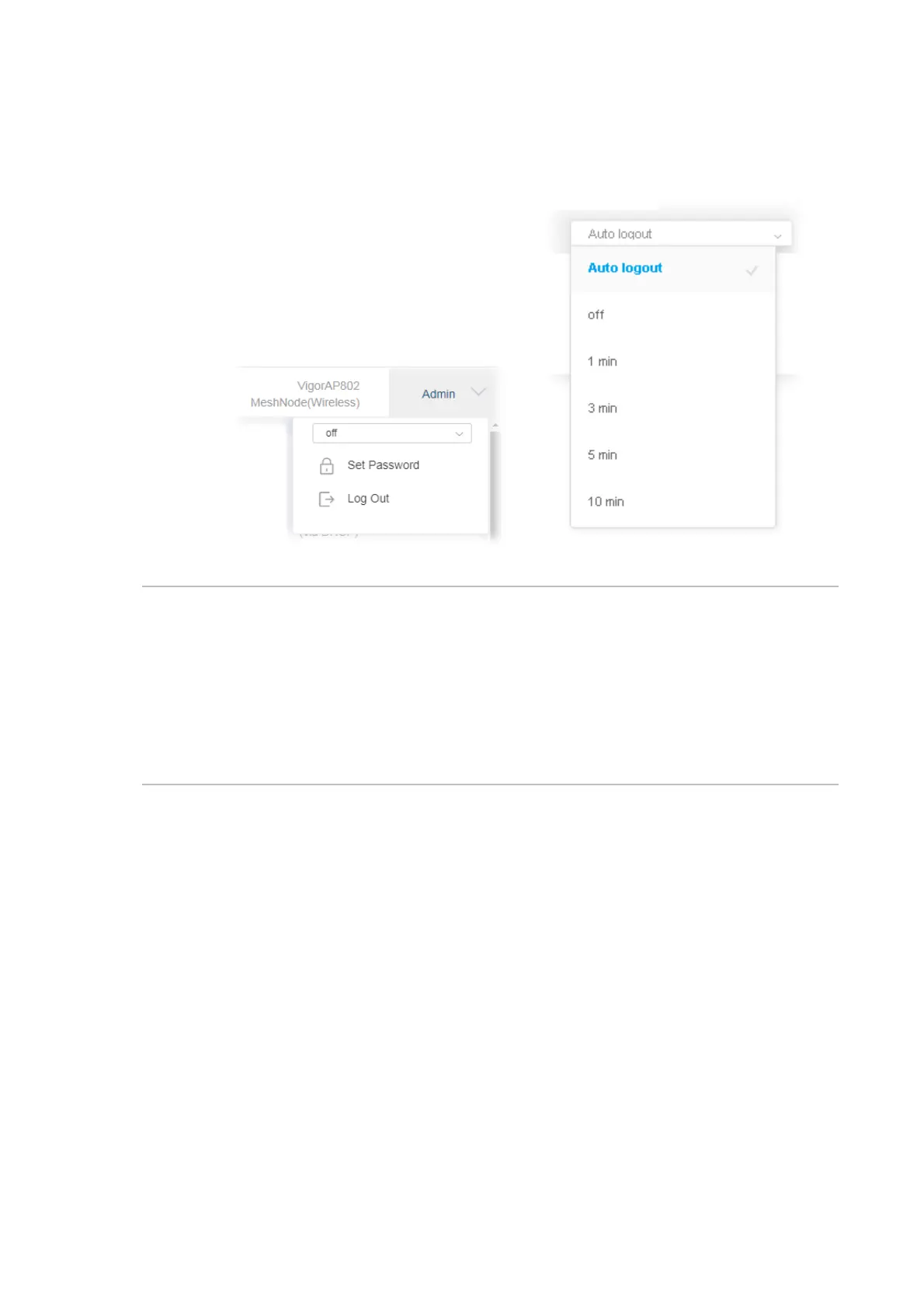
5. The web page can be logged out by clicking Log Out on the top right of the web page. Or,
logout the web user interface according to the chosen condition. The default setting is Auto
Logout, which means the web configuration system will logout after 5 minutes without any
operation. Change the setting of auto logout if you want.
Note:
If you fail to access the web configuration, please go to the section “Trouble Shooting” for
detecting and solving your problem.
For using the device properly, it is necessary for you to change the password of web
configuration for security and adjust primary basic settings.












 To Next Page