VigorIPPBX 3510 Series User’s Guide
71
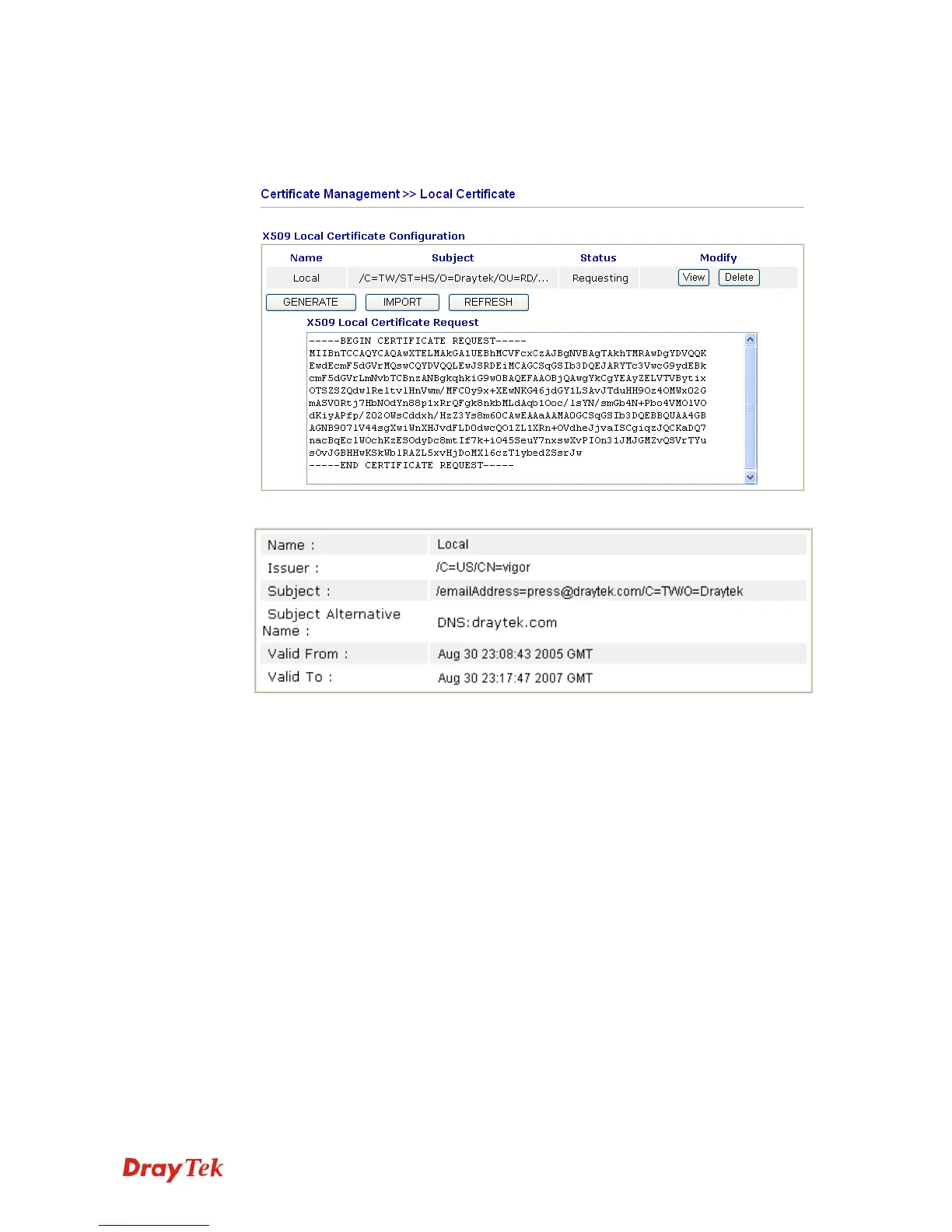
5. Back to Vigor router, go to Local Certificate. Click IMPORT button and browse the
file to import the certificate (.cer file) into Vigor router. When finished, click refresh
and you will find the below window showing “------END CERTIFICATE
REQUEST------”
6. You may review the detail information of the certificate by clicking View button.



 To Next Page