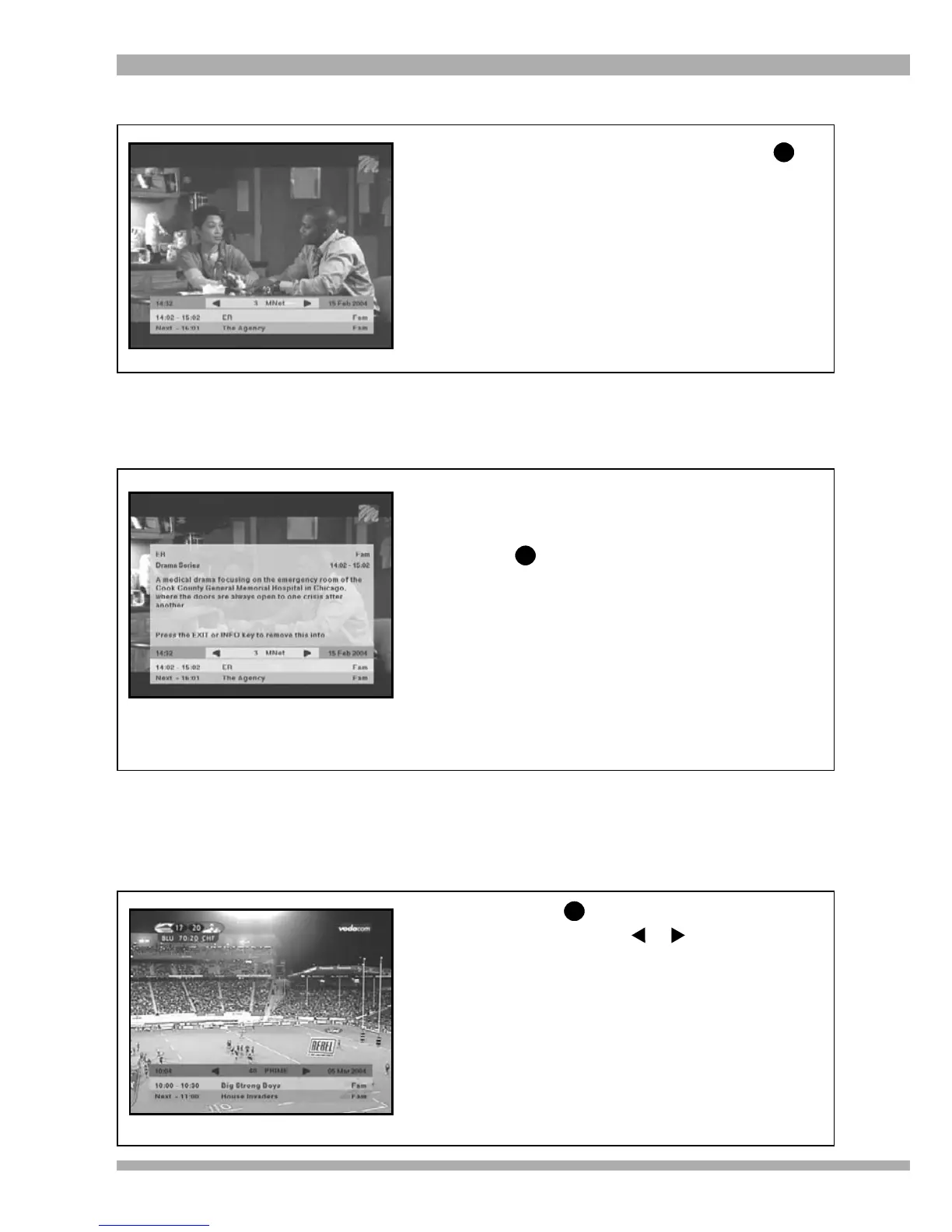
1. Should you require additional information
about a programme, select the required
programme on the i-plate and then press
.
2. This will display the extended
information screen which has more
information about the selected
programme.
3. You can remove this screen by pressing
EXIT.
4. To remove the i-plate, press EXIT again.
NOW / NEXT
1. While viewing a programme, press
2. The i-plate will display information about
both the current and next programme on
the channel being viewed.
3. To remove the i-plate, press EXIT.
i
EXTENDED INFORMATION
i
BROWSING
The i-plate allows you to browse information about programmes on other channels, without tuning
away from the channel you are viewing. To do this follow the steps below:
1. Press to display the i-plate.
2. Now using your or arrows, you
can “browse” through the information
on other channels without tuning to them.
Example : in the picture on the left, the
viewer is watching M-Net, but the i-plate
shows information about programmes on
BBC Prime. You can tune to the “browsed”
channel (in this case, BBC Prime) by
pressing OK. You can also set reminders
while browsing (see pages 19 and 20 for
more information on setting reminders).
i
18 MultiChoice 933 Digital Satellite Decoder


 To Next Page