LANGUAGE / SOUNDTRACK OPTIONS
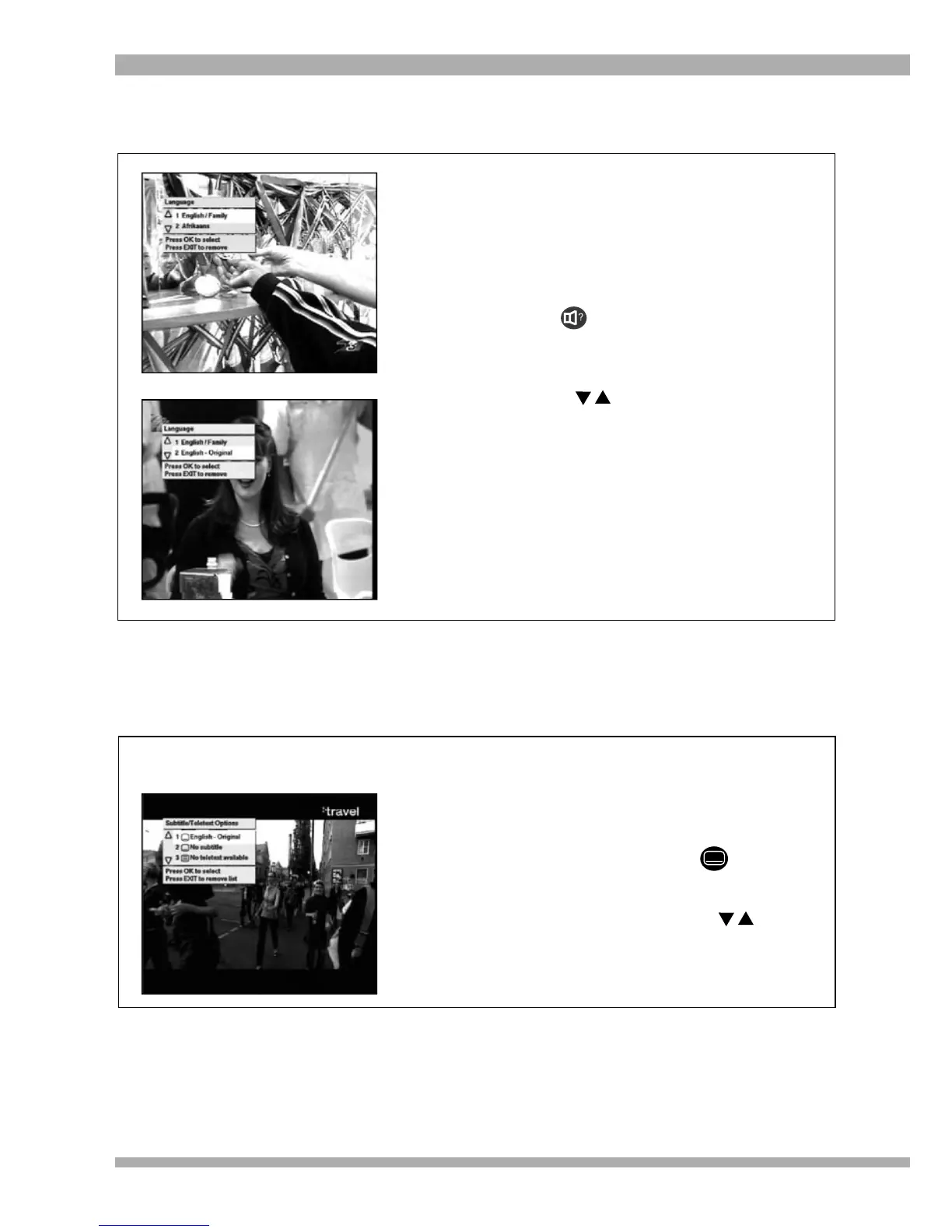
1. Some programmes have multiple language
/ soundtrack options available (see pictures
on the left).
2. At anytime during a programme, you can
choose to listen to a different language /
soundtrack.
3. To select a different language / soundtrack,
press . The language / soundtrack
menu will display on-screen, with the
highlight on the current language /
soundtrack.
4. Use the arrows to select another
language / soundtrack option and then
press OK.
5. The selected language / soundtrack will
now be available.
Note : You can set the default language in the
main menu. See page 36.
SUBTITLES
1. Some programmes have subtitles available.
2. At anytime during a programme, you can
select to view the subtitles.
3. To select subtitles, press . The
subtitles / teletext menu will display
on-screen. If there are subtitles available
for the programme, use the arrows to
select an option and press OK.
Displaying Subtitles
24 MultiChoice 933 Digital Satellite Decoder



 To Next Page