VOLUME CONTROL
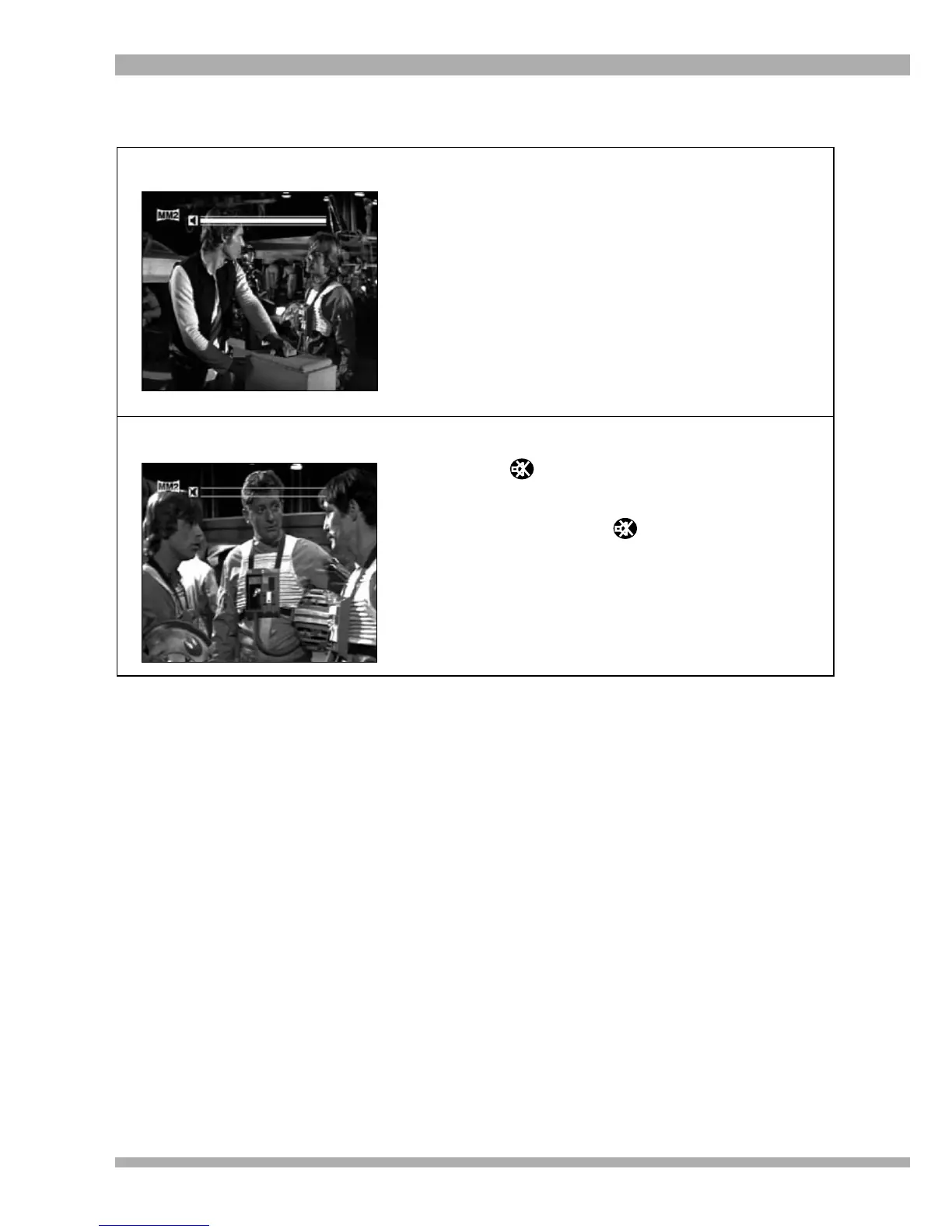
Pressing V+ or V- will increase or decrease the
volume respectively. When you change the volume,
a volume bar displays on-screen indicating the
volume level (see picture on the left).
Note : The volume bar displays for 5 seconds. You
can adjust this by changing the Information Display
Period settings (see page 38).
Volume Control
Pressing will mute the audio.
When you mute the audio, a mute volume bar
displays on-screen (see picture on the left).
To restore audio, press again or press V+ or V-.
Mute
23MultiChoice 933 Digital Satellite Decoder


 To Next Page