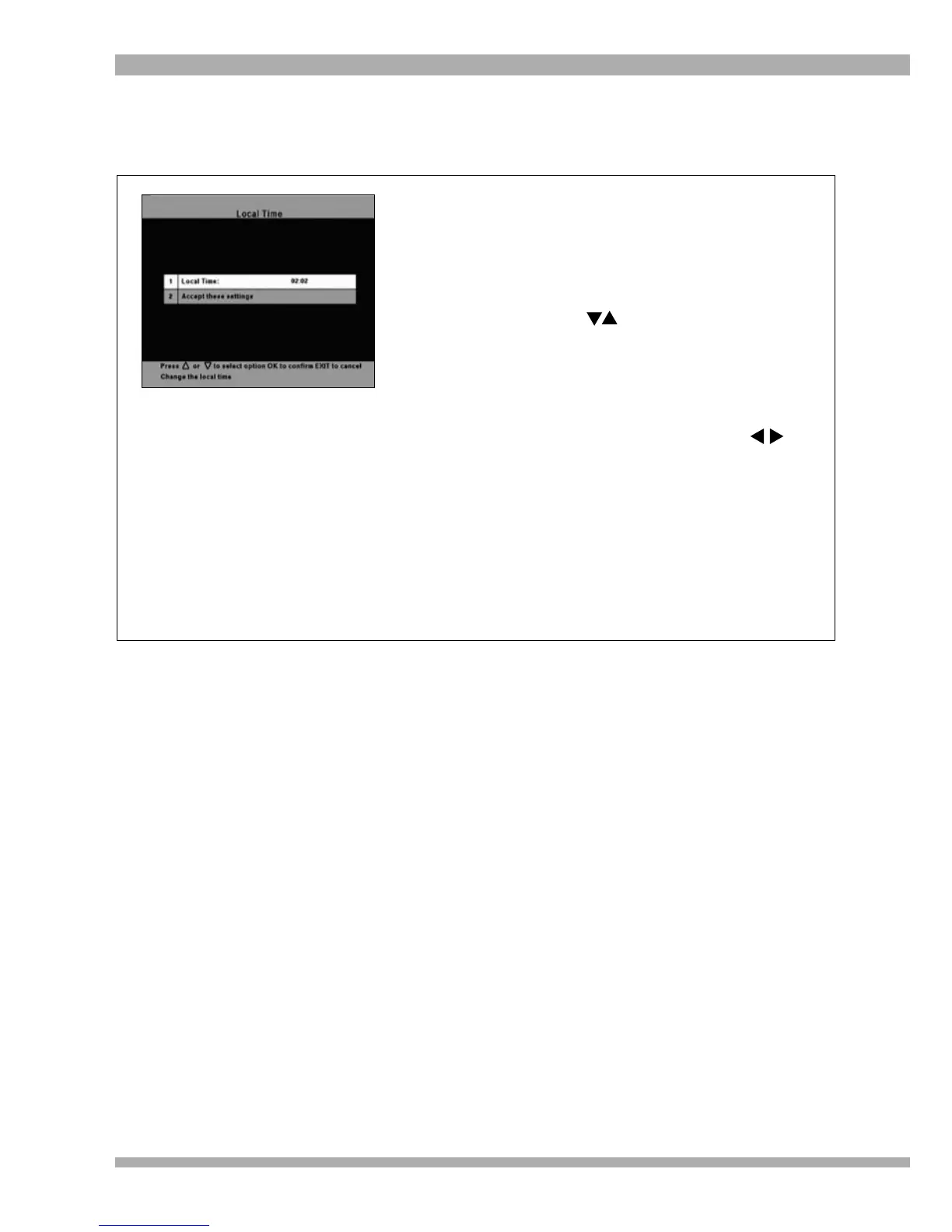
In this section you can set the time displayed on your decoder.
LOCAL TIME
If the time displayed on your decoder (either on the
front panel or on the i-plate) does not correspond
with local time, you can change it by following the
steps below:
1. Press MENU to access the Main Menu.
2. Using the arrows, highlight Advanced
Options and press OK.
The Advanced Options sub-menu is
displayed.
3. Select Local Time and press OK.
The Local Time sub-menu is displayed.
4. Press OK again and using your
arrows, set the clock to the correct time.
5. Once you have entered the correct time,
press OK again.
6. Move the highlight to “Accept these
settings” and press OK to save your
changes.
7. To return to the Main Menu, press EXIT
twice.
8. To exit from all menus press MENU.
40 MultiChoice 933 Digital Satellite Decoder


 To Next Page