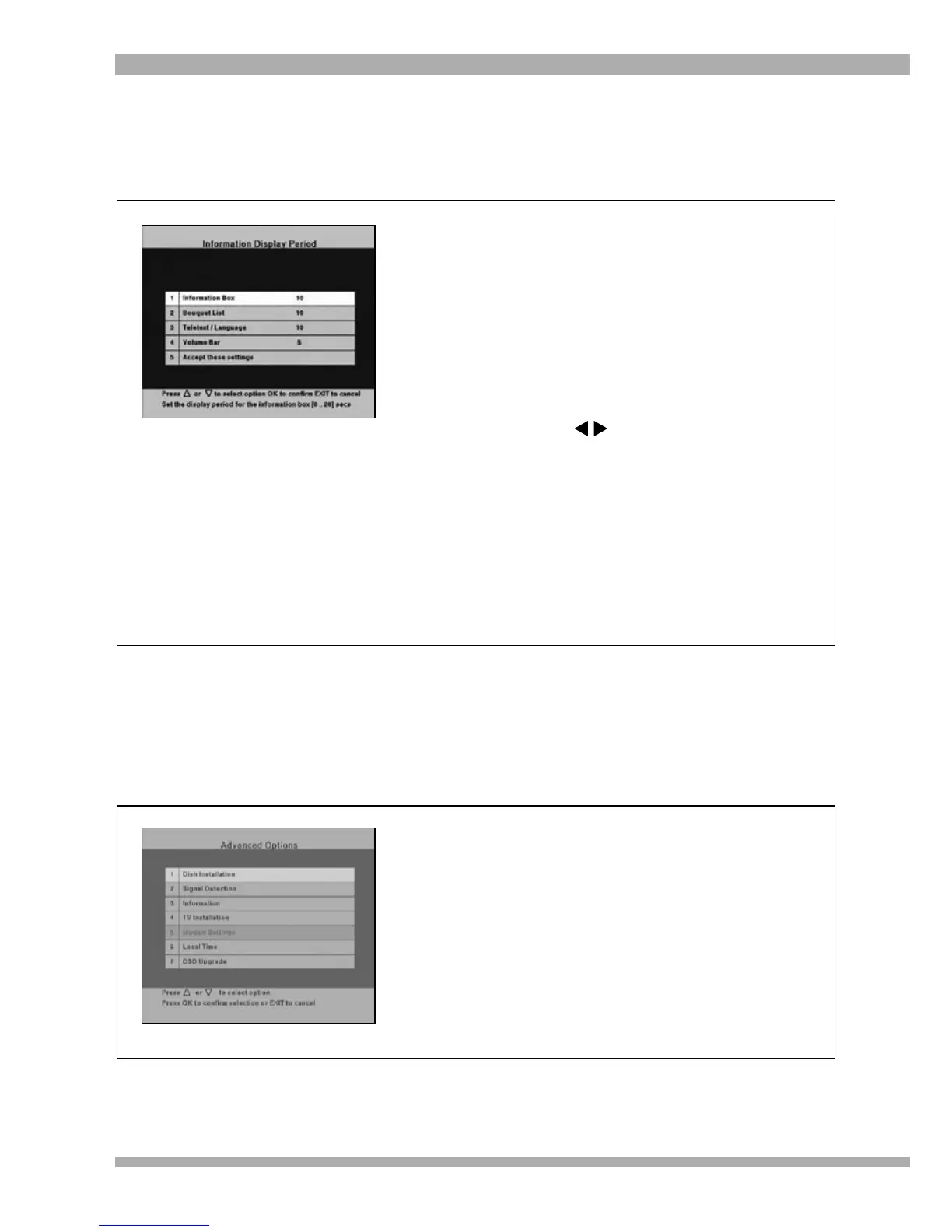
This feature allows you to customise the display period for on-screen information (i-plate, volume
bar, Subtitles / Teletext Menu, Bouquets Menu).
INFORMATION DISPLAY PERIOD
To change the Information Display Period :
1. Press MENU to access the Main Menu.
2. Using the arrow keys, highlight
Information Display Period and press OK.
The Information Display Period sub-menu
is displayed (see picture).
3. To change any of the settings, highlight
the required option and press OK.
The area displaying the required setting
changes to white.
4. Use the arrows to change the
setting. To confirm your setting, press OK.
5. Move the highlight to “Accept these
settings” and press OK to save your
changes.
6. To return to the Main Menu, press EXIT.
7. To exit from all menus press MENU.
ADVANCED OPTIONS
This is where the set-up of the decoder is done. We recommend that you DO NOT make changes
to the settings in the first three sub-menus of Advanced Options. The PIN code for Advanced
Options is 9949.
To access Advanced Options :
1. Press MENU to access the Main Menu.
2. Using the arrow keys, highlight Advanced
Options and press OK.
The Advanced Options Menu sub-menu is
displayed (see picture).
3. Select the required option and press OK.
The relevant sub-menu is displayed.
4. To return to the Main Menu, press EXIT.
5. To exit from all menus press MENU.
38 MultiChoice 933 Digital Satellite Decoder


 To Next Page