This feature allows you to customise the colours of the on-screen menus. In addition to
customising the colours, you can also select a Transparent or Opaque setting. If you select the
Transparent setting, the video can be seen behind the Menus, i-plate, Bouquets Menu and
Subtitle / Teletext Menu. If you select the Opaque setting, the video is not visible. In both cases,
audio is still available.
COLOURS AND TRANSPARENCY
To access the Colours and Transparency feature :
1. Press MENU to access the Main Menu.
2. Using the arrow keys, highlight Colours
and Transparency and press OK.
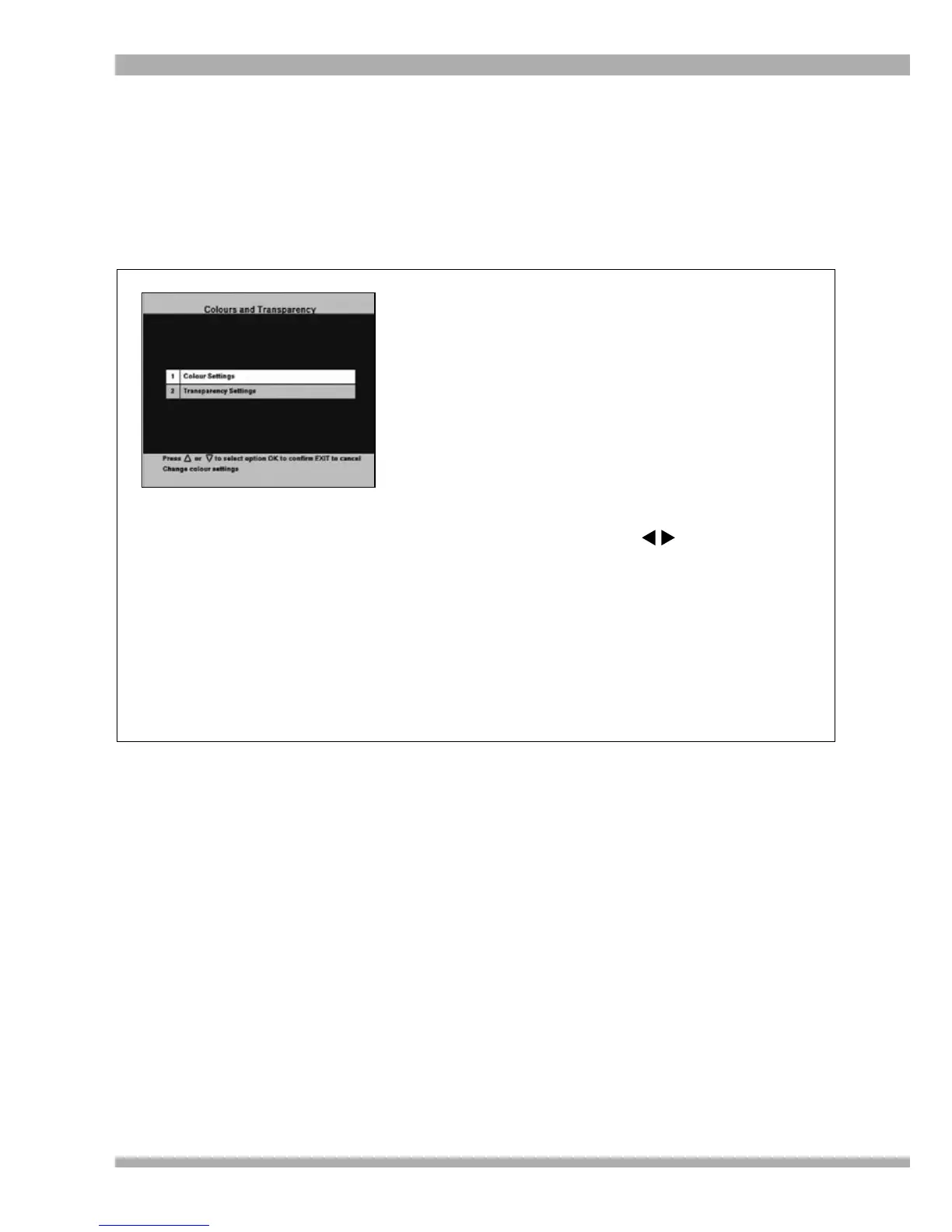
The Colours and Transparency screen
(see left) is displayed.
3. To select another colour screen or change
transparency settings, highlight the
required option and press OK. The
relevant sub-menu is displayed.
4. Press OK to change this setting. The area
displaying the required setting changes
to white. Use the arrows to change
the setting.
5. To confirm your setting, press OK.
6. Move the highlight to “Accept these
settings” and press OK to save your
changes.
7. To return to the Main Menu, press EXIT.
8. To exit from all menus press MENU.
37MultiChoice 933 Digital Satellite Decoder



 To Next Page