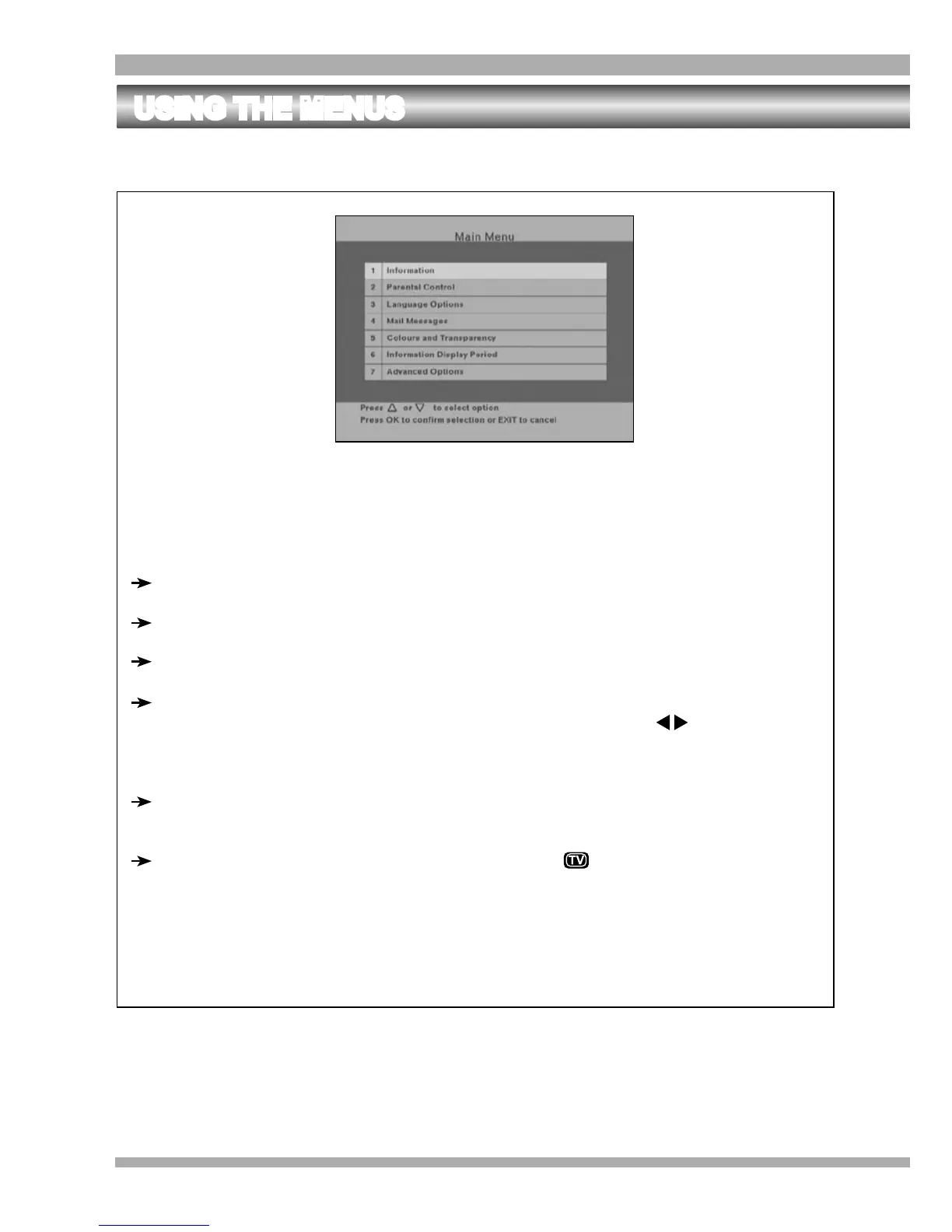
To access the Main Menu, press MENU on your remote control.
To navigate the main menu and sub-menus, take note of the points below :
Use the arrow keys to move the highlight.
To select an item, press OK.
Pressing EXIT will always take you back one step.
To change any values or settings, highlight the required option and press OK. The
area where the value is displayed will become white. Use the arrows to
change the values and then press OK again. Then move the highlight to “Accept
these settings” and press OK to save your changes.
Use the numeric keys (0-9) to type in numerical values (for example PIN codes,
frequency values, etc.)
To exit from the main menu or sub-menus, press .
THE MAIN MENU
USING THE MENUS
28 MultiChoice 933 Digital Satellite Decoder


 To Next Page