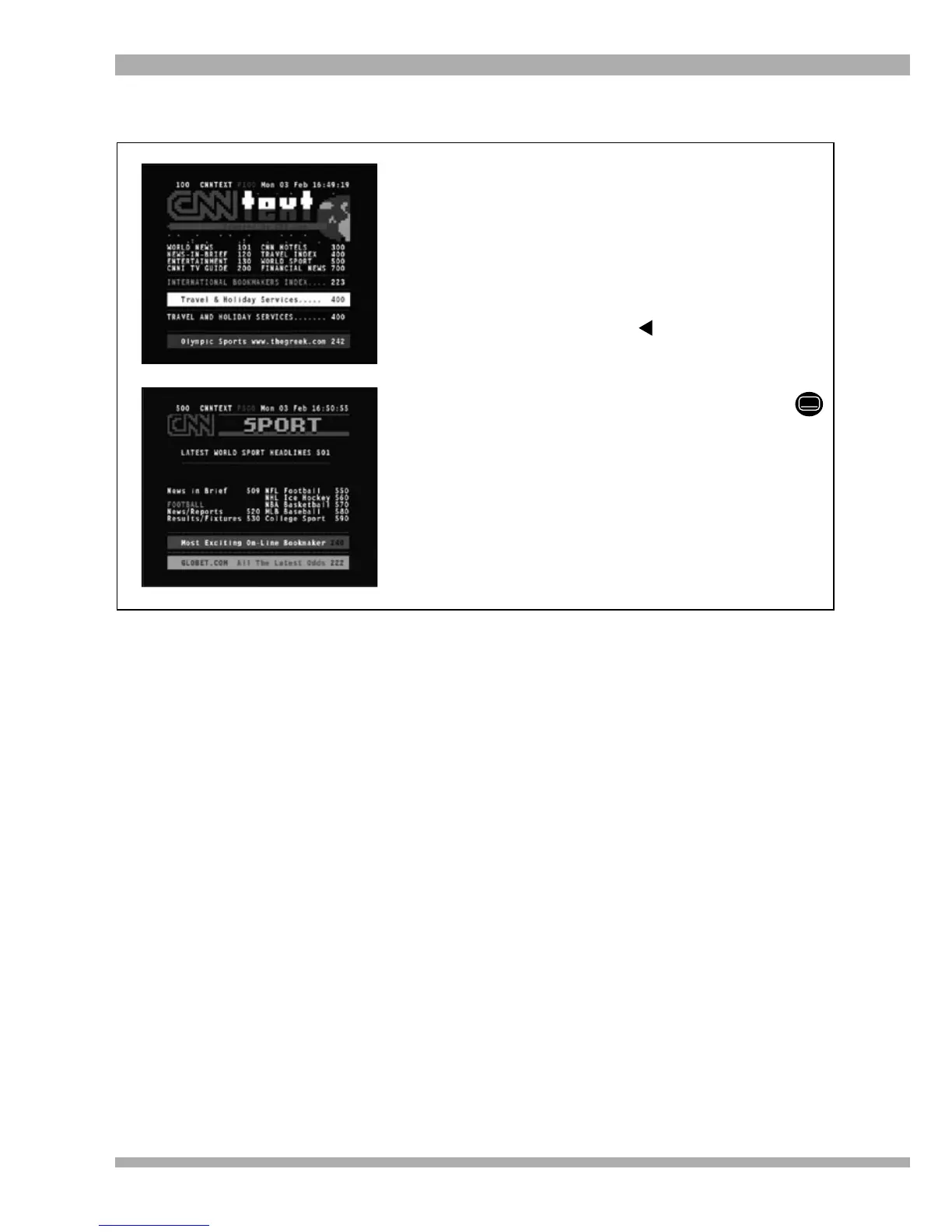
1. To page up or down through the text, use
P+ and P-.
2. To go to another page, enter the required
page number using the numeric keys on
the remote control. In the example on
the left, we have entered in the number
500 in order to go directly to the World
Sport page. If you enter an incorrect
number, use the arrow to backspace
and delete the incorrect number.
3. To remove teletext, press EXIT.
Note : While teletext is active, you can press
to make the screen transparent (ie. you
will be able to view the video in the
background).
USING THE TELETEXT SERVICE
26 MultiChoice 933 Digital Satellite Decoder


 To Next Page