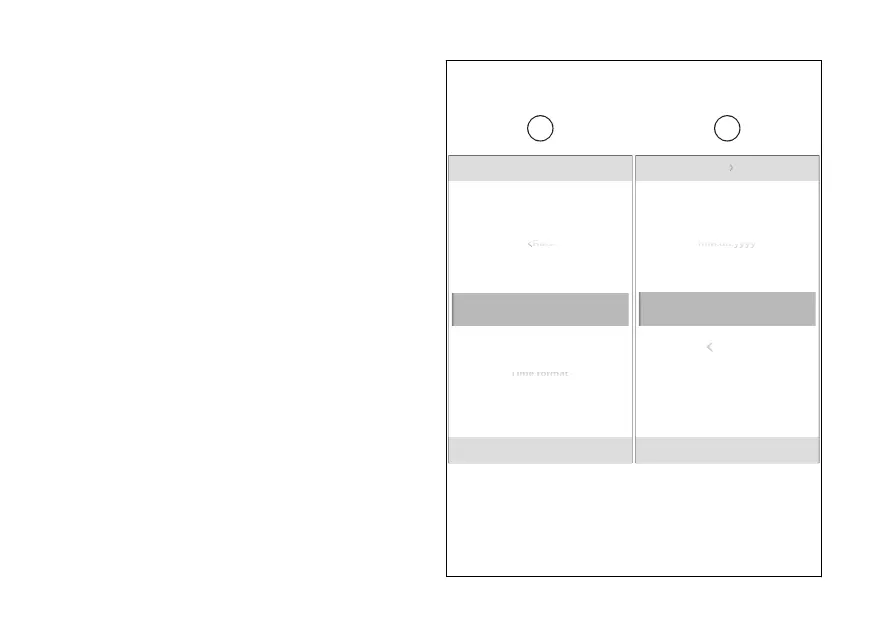
Date format
This function allows the date format.
●
From the Interactive Menu, use (1) and
(2) to select the item menu" and press
ENTER (3).
●
Select the “Date and time” item and press
ENTER (3).
●
Select the “Date format” item (E) and press
ENTER (3).
The available formats are displayed: “dd.mm.yyyy”,
“mm.dd.yyyy”, “yyyy.dd.mm”, “yyyy.mm.dd” (F). Use
(1) and (2) to scroll and select the desired
format. Press ENTER (3) to confirm.
Date and time Date format
yyyy.mm.dd
N
Gear
yyyy.mm.dd
yyyy.dd.mm
mm.dd.yyyy
Date and time
yyyy.mm.dd
N
Gear
E F
Fig 139
229













 To Next Page