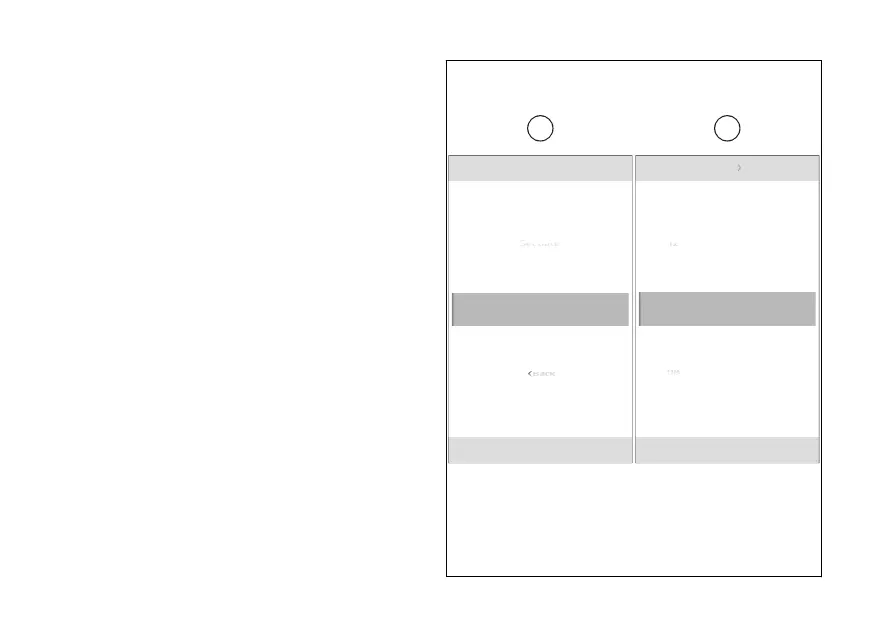
Set time
This function allows the time, in the example
shown here the time format is 12 hours (AM/PM).
●
From the Interactive Menu, use (1) and
(2) to select the item menu" and press
ENTER (3).
●
Select the “Date and time” item and press
ENTER (3).
●
Select the “Set time” item (G) and press ENTER
(3).
The number of hours becomes selectable and the
available values at the top and are displayed
(H). Use (1) and (2) to scroll and select the
desired value. Press ENTER (3) to confirm and move
on to the number of the minutes.
Date and time Set time
10:34 am
N
Gear
11
09
08
12
Set time
Date format
Date and time
10:34 am
N
Gear
G H
Fig 140
230













 To Next Page