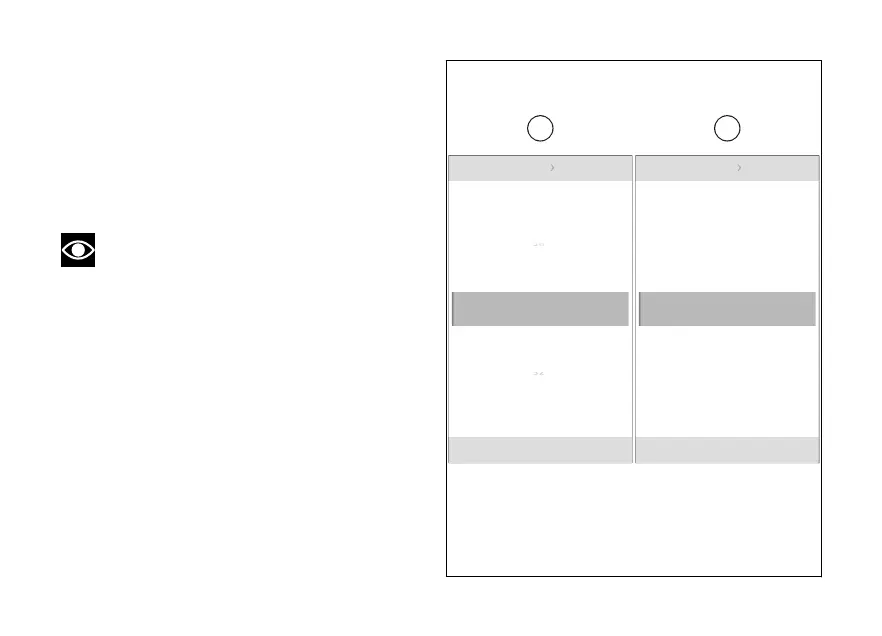
The number of minutes becomes selectable and the
available values at the top and are displayed
(I). Use (1) and (2) to scroll and select the
desired value. Press ENTER (3) to confirm and move
on to the AM/PM selection.
The “AM” or “PM” item becomes selectable (J). Use
(1) and (2) to select the desired value. Press
ENTER (3) to confirm.
Note
If the currently set time format is 24 hours, the
AM/PM parameter is not shown.
Date and time Set time
10:34 am
N
Gear
pm
10 34 am
:
Date and time Set time
10:34 am
N
Gear
35
33
32
36
10 34 am
:
Fig 141
231













 To Next Page