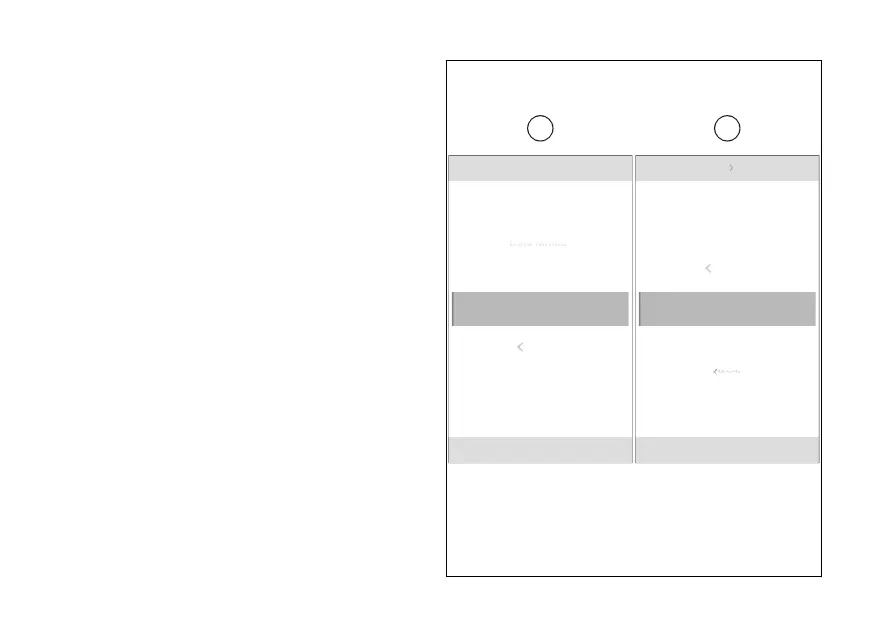
Time format
This function allows the time format.
●
From the Interactive Menu, use (1) and
(2) to select the item menu" and press
ENTER (3).
●
Select the “Date and time” item and press
ENTER (3).
●
Select the “Time format” item (K) and press
ENTER (3).
“12 hours” and “24 hours” formats (L) are displayed.
Use (1) and (2) to scroll and select the desired
format. Press ENTER (3) to confirm.
Date and time Time format
12 hours
N
Gear
Back
Date and time
12 hours
N
Gear
Set time
Date format
Time format
K L
Back 24 hours
Back
12 hours
Fig 142
232













 To Next Page