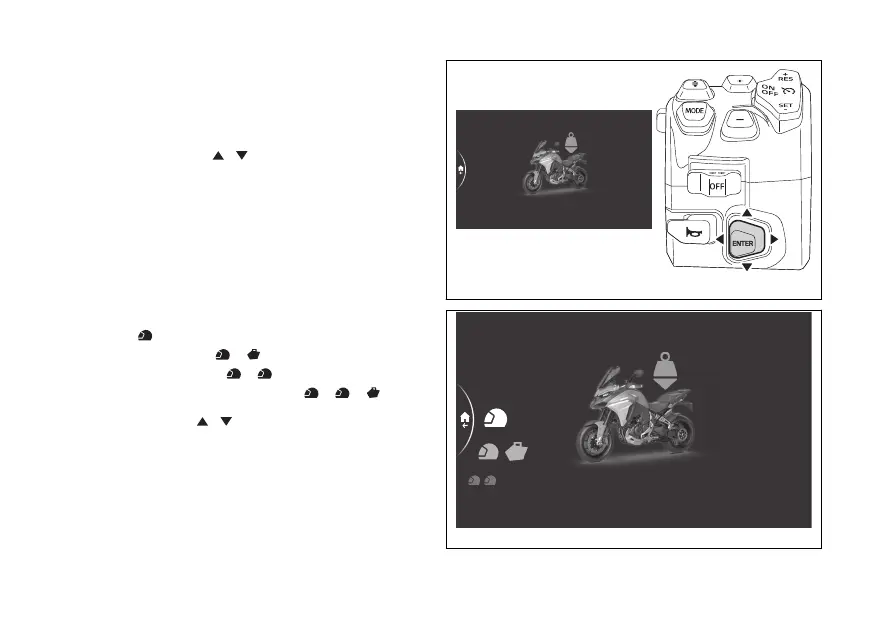
menu – Riding Mode –
Preload
This function allows the parameters linked to
the preload profiles.
- Use the joystick to select menu"
from the Interactive Menu and press ENTER.
- Select the "Riding Mode" item and press
ENTER.
- Select the riding mode you wish to customise
and press ENTER.
- Select the "Preload" item and press ENTER.
The following customisable profiles are displayed on
the side:
- Rider
- Rider / baggage
- Rider / passenger
- Rider / passenger / baggage
Using the joystick
it is possible to scroll and
select the desired profile. Press ENTER to confirm
and access the sub-menu.
Default
DQS
Engine
Preload
Suspension
Fig 174
Fig 175
209











 To Next Page