menu – Lap
This function allows enabling or disabling the Lap
function and view and delete the recorded laps.
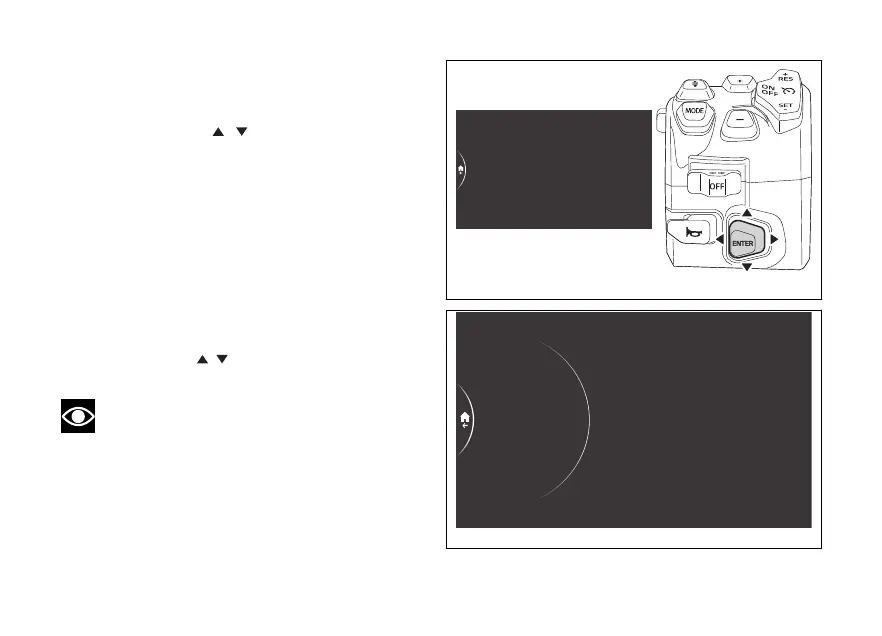
- Use the joystick to select menu"
from the Interactive Menu and press ENTER.
- Select the Lap item and press ENTER.
The following items are displayed: On, Lap data
and Erase data (visible only if laps have previously
been recorded). The currently set function status is
shown on the right.
and On items are used to deactivate and activate
the Lap function (Fig 221), respectively. The Lap data
item allows viewing the saved laps, while the Erase
data item allows deleting the recorded laps.
Using the joystick
it is possible to scroll and
select the desired item. Press ENTER to confirm.
Note
Activation and deactivation can also be done
directly from the Lap function in the Interactive
Menu of the SPORT riding mode.
Service
Tyre calibration
Lap
Date and time
Tyre pressure
Fig 220
Off
On
Lap data
Off
Service
Tyre calibration
Lap
Date and time
Tyre pressure
Fig 221
237











 To Next Page