menu – Info display
This function allows you to change the order of the
travel information displayed in the Info display.
- Use the joystick to select menu"
from the Interactive Menu and press ENTER.
- Select the Info display item and press ENTER.
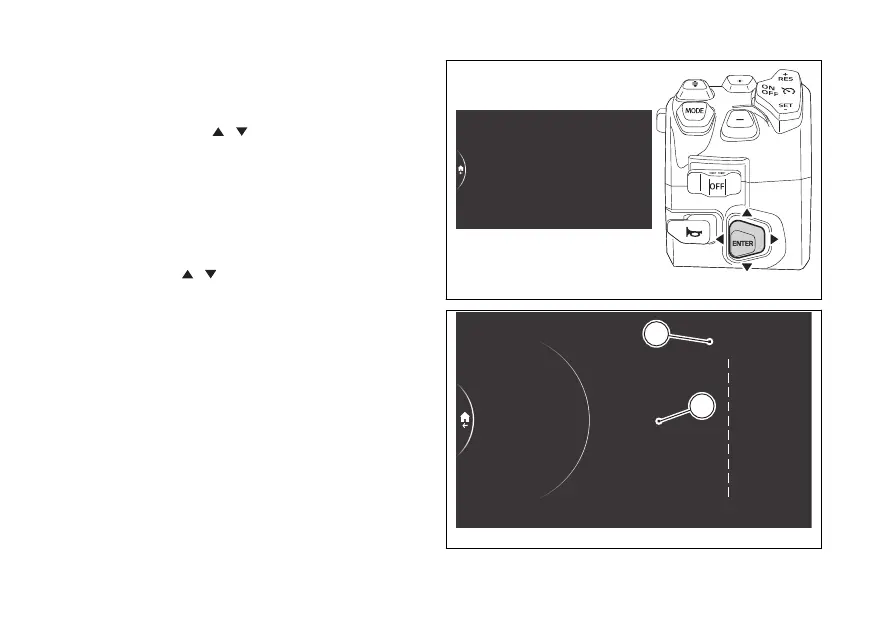
The list of the 10 selectable items, with the number
of their current position (A, Fig 180)is displayed in
the middle. The current order of the Info display
(B, Fig 180)is displayed on the right-hand side.
Use the joystick
to scroll through the items in
the list. Press ENTER to change the position number
of the selected item.
Riding Mode
Fuel indicator
Info display
Info
DRL
Fig 179
1
2
3
4
5
6
7
8
9
10
9 Front tyre
10 Rear tyre
3 Trip 1
2 Range
1 Total
Riding Mode
Fuel indicator
Info display
Info
DRL
Info display order
Total
Trip 1
Ø cons. 1
Trip 1 time
Trip 2
Front tyre
Ø speed 1
Range
Inst. cons.
Rear tyre
A
B
Fig 180
213











 To Next Page