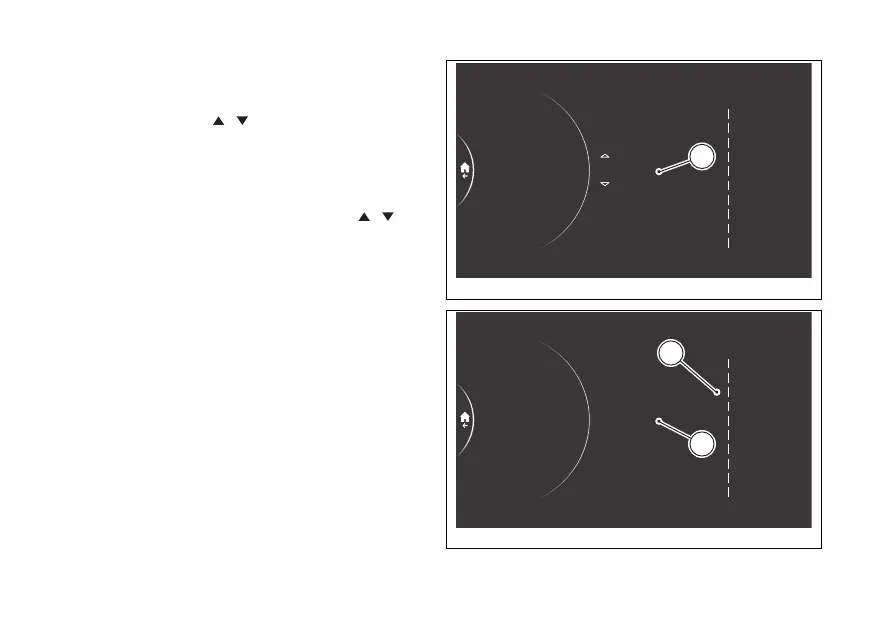
In the following example, the position of the
Total item is changed from 1 to 3:
- Use the joystick to select Total and press
ENTER (Fig 180).
- Two arrows (A, Fig 181), are displayed above and
below the position number indicating that it can
be changed from 1 to 10 (in this example 3) using
the corresponding joystick positions
.
- Press ENTER to confirm. The order of the Info
display is then updated with the new position
(B, Fig 182).
1
2
3
4
5
6
7
8
9
10
Riding Mode
Fuel indicator
Info display
Info
DRL
9 Front tyre
10 Rear tyre
3 Trip 1
2 Range
1 Total
Total
Trip 1
Ø cons. 1
Trip 1 time
Trip 2
Front tyre
Ø speed 1
Range
Inst. cons.
Rear tyre
Info display order
A
Fig 181
1
2
3
4
5
6
7
8
9
10
10 Rear tyre
Default
Info display order
Range
Total
Ø cons. 1
Trip 1 time
Trip 2
Front tyre
Ø speed 1
Trip 1
Inst. cons.
Rear tyre
Riding Mode
Fuel indicator
Info display
Info
DRL
2 Trip 1
1 Range
3 Total
A
B
Fig 182
214











 To Next Page