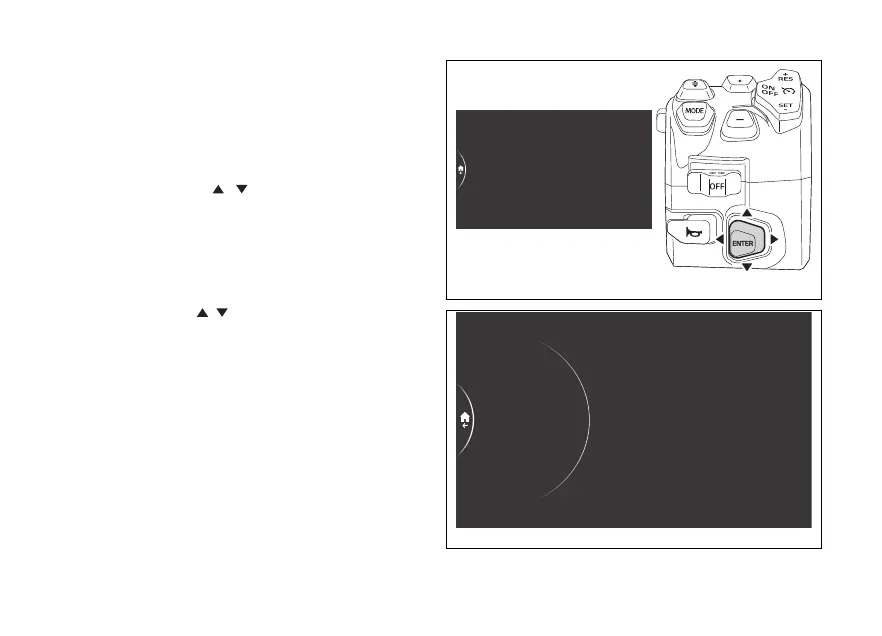
menu – Blind Spot Detection
This function allows activating, deactivating or
the intensity of the LEDs on the rear-view
mirrors managed by the BSD Blind Spot Detection
function. Available only if the blind spot detection
system is present.
- Use the joystick to select menu"
from the Interactive Menu and press ENTER.
- Select the "Blind Spot Detection" option and
press ENTER.
and Dimmer are displayed in the middle.
While the currently set status is shown on the right.
Using the joystick
it is possible to scroll and
select the desired item:
- Press ENTER on the item to activate or
deactivate the function.
- Press ENTER on Dimmer item to adjust the
brightness of the LEDs on the rear-view mirrors.
PIN Code
Antitheft
Blind Spot Detection
Backlight
Date and time
Fig 198
On
Dimmer
On/Off
PIN Code
Antitheft
Blind Spot…
Backlight
Date and time
Fig 199
225











 To Next Page