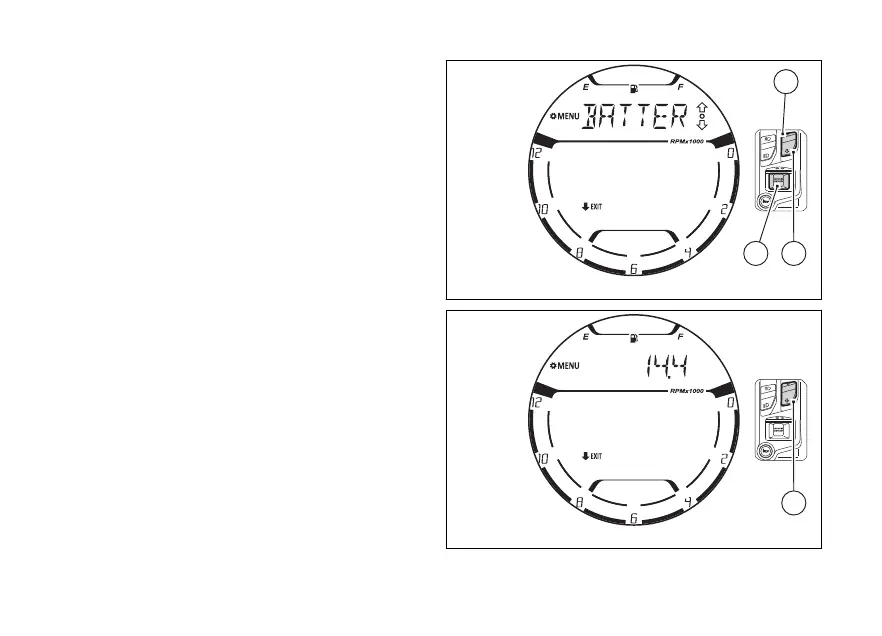
menu - indication
(BATTERY)
This function displays the voltage indicator.
Enter the SETTING MENU.
Select “BATTERY” option, by pressing (1) and
(2).
Once function is highlighted, press (4).
When entering this function, the instrument panel
will display the voltage (Fig 123) as follows:
●
If voltage is between 11.8 V and 14.9 Volt,
the value will be displayed steady.
●
If voltage is between 11.0 V and 11.7 Volt
or 15.0 and 16.0 Volt, the value will be displayed
flashing.
●
If the voltage is lower than 11.0 V, the instrument
panel will display a flashing "LOW" message.
●
If the voltage is higher than 16.1 V, the
instrument panel will display a flashing "HIGH"
message.
To quit the function press (2) for 2 seconds.
Fig 122
Fig 123
136















 To Next Page