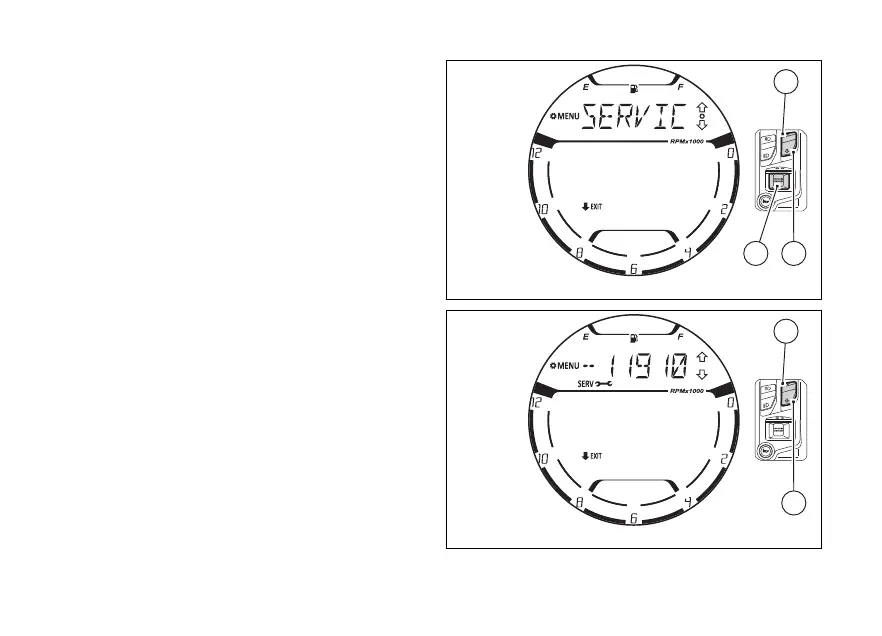
menu - Service information
(SERVICE INFO)
This function allows viewing how many km (or miles)
are until the next Desmo Service, Oil Service and
Annual Service are due.
Enter the SETTING MENU.
Select “SERVICE INFO” option, by pressing
(1) and (2).
Once function is highlighted, press (4).
Upon entering the function, the display shows as
first information the “Desmo service” indication
(Fig 115).
Fig 114
Fig 115
132















 To Next Page