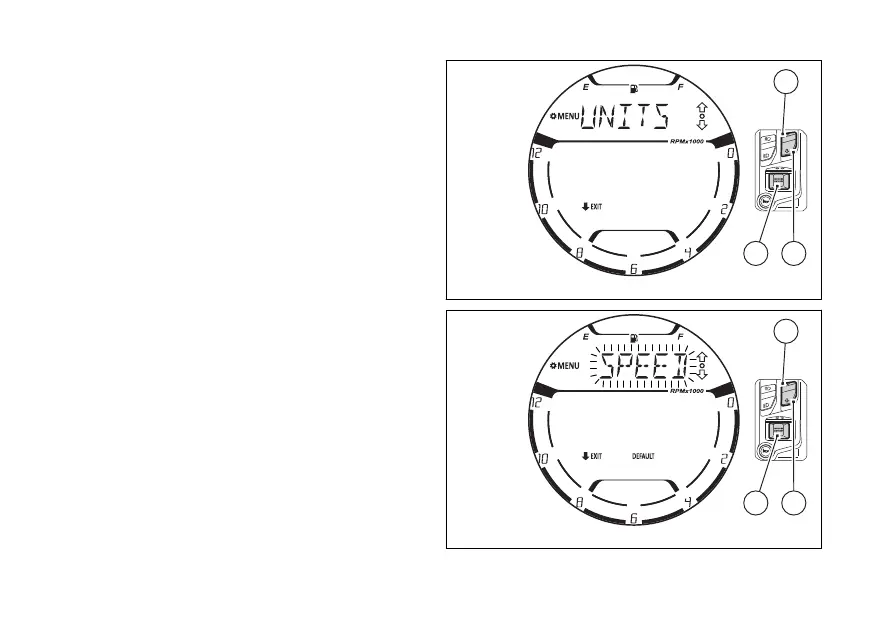
menu - the unit of
measurement (UNITS SETTING)
This function allows the units of
measurement of the displayed values:
●
Speed/Travelled distance (SPEED)
●
Temperature (TEMP.)
Enter the SETTING MENU.
Select “UNITS SETTING” option, by pressing
(1) and (2).
Once function is highlighted, press (4).
When entering this function, the instrument panel
shows as first value the speed/travelled distance
“SPEED” (Fig 125).
Each time (1) or (2) is pressed the
instrument panel displays, flashing and in sequence,
the “TEMP.” (Fig 128) and the frame of the
“DEFAULT” indication (Fig 130). the
“SPEED” indication (Fig 125) will flashing again.
To quit the function press (2) for 2 seconds.
Fig 124
Fig 125
137















 To Next Page