Storing the date:
The date is stored when the “DATE SETTING”
function is by pressing (2) for 2
seconds.
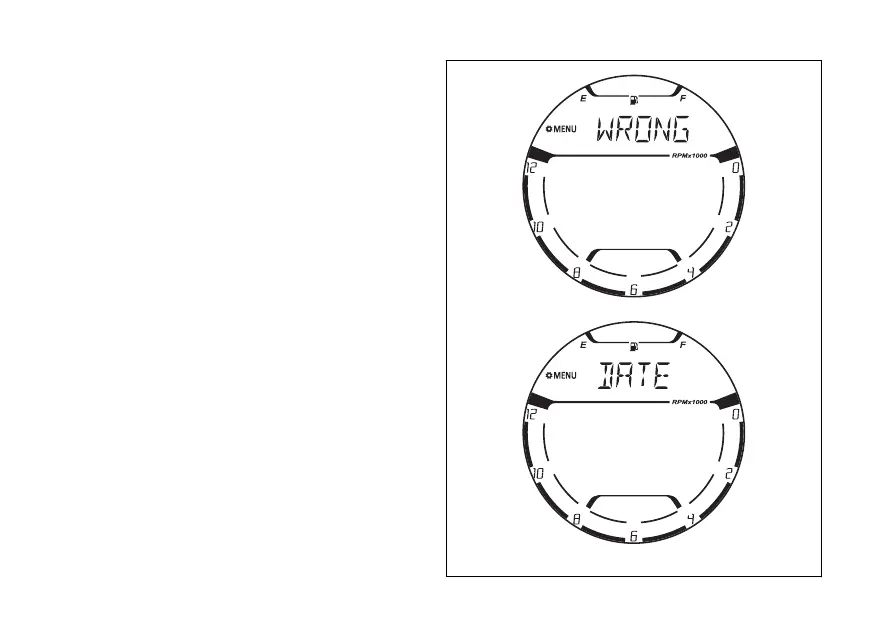
At the end of the 2 seconds, if the date entered is not
“plausible”, or the date entered is before the internal
date (SERVICE DATE) of the instrument panel, or
one or more date fields have not been entered or
changed (“-”), the instrument panel displays the
indications “WRONG” and “DATE” alternatively for 4
seconds. At the end of the 4 seconds the instrument
panel will go back to the “DATE SETTING” function
page to allow changing or the date again
(Fig 108).
Fig 113
131















 To Next Page