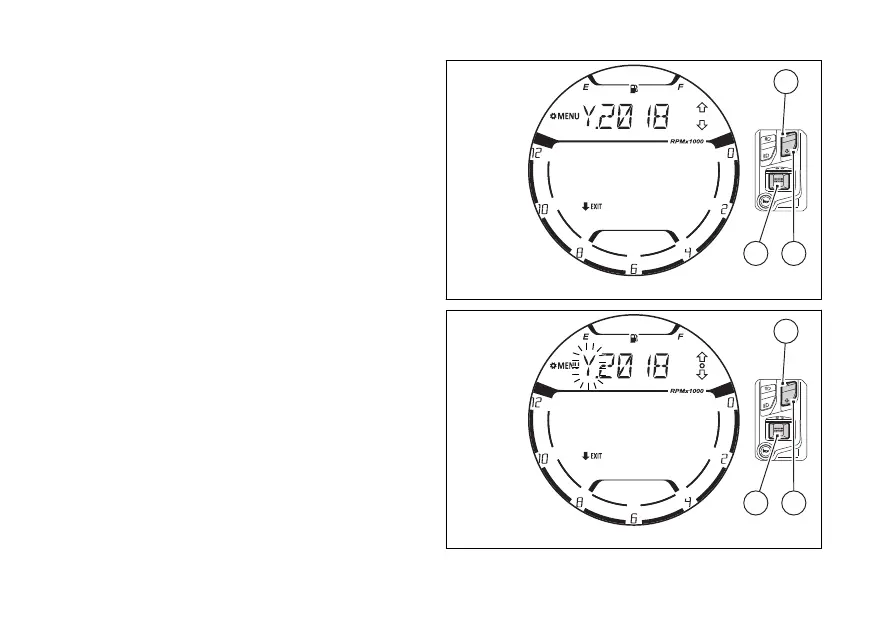
When entering this function, the instrument panel
will display the currently set year preceded by the
“Y.” (Fig 108).
To quit the function without changing the date press
(2) for 2 seconds.
By pressing (1) or (2) the “Y.” will
flashing (Fig 109). Now, still using (1) or
(2), it is possible to scroll through the items
year “Y.”, month “M.” and day “D.” displayed flashing
and with the currently set values.
To set or change the values, press (4) when
the relevant item is flashing (“Y.”, “M.” or “D.”).
Fig 108
Fig 109
127















 To Next Page