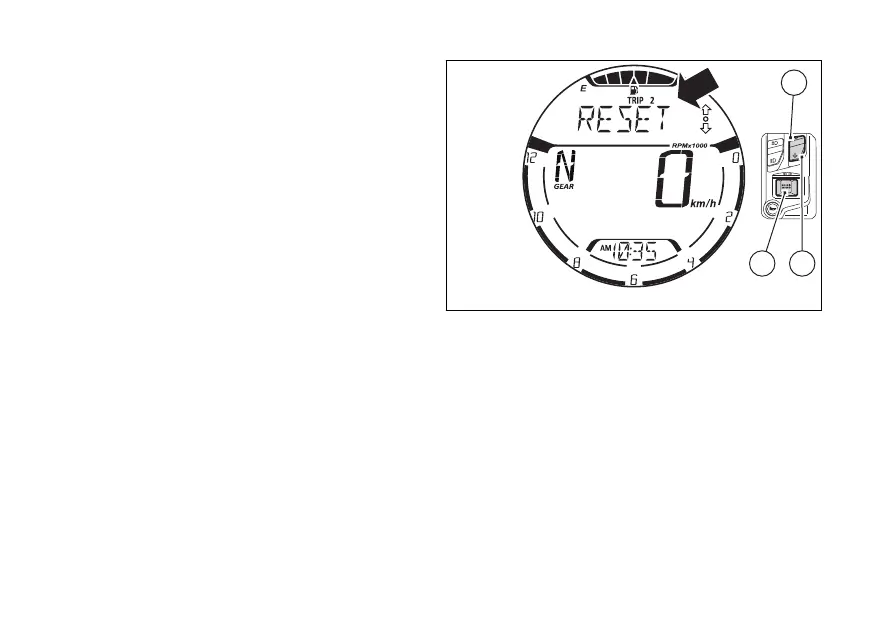
of TRIP 2
If (4) is pressed during trip meter display, the
instrument panel shows the message “RESET”.
If you press (1) or (2), the instrument panel will
display the trip meter again, without the
value.
While if you press (4), the value for TRIP 2 will
be reset and the instrument panel will display “0.0”
followed by the set unit of measurement.
The value of TRIP 2 is automatically reset also in case
the units of measurement are changed manually
through the menu (page 137), or the
is disconnected: the counter will then
back from zero, considering the newly set units of
measurement.
Fig 69
95















 To Next Page