Processing Documents by Retrieving a Saved JOB
49
Programming a JOB on the Control Panel
2
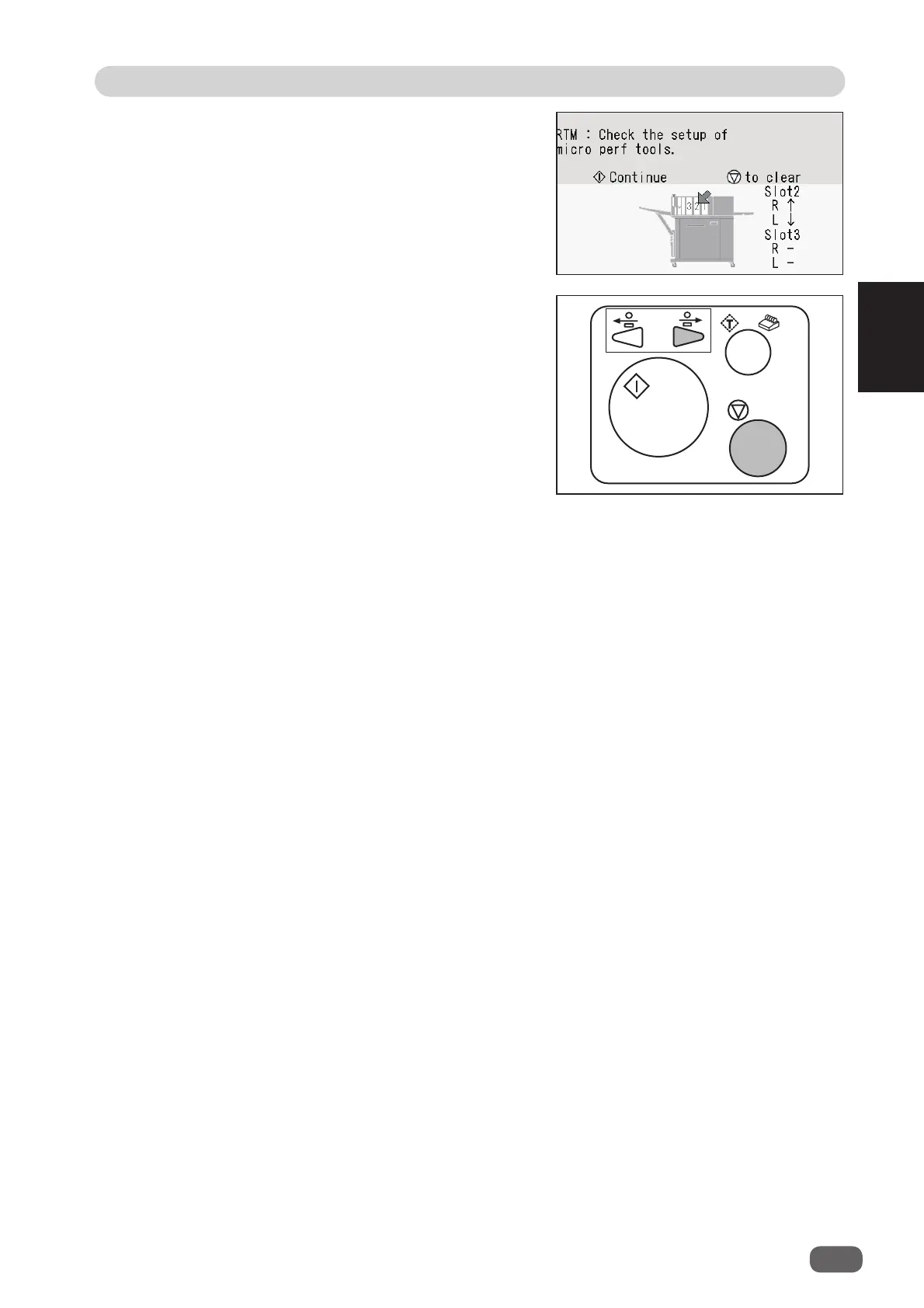
● If the tool check screen as shown on the right
appears during a barcode is being read, follow the
procedure below.
(The screen on the right appears when the
RTM
(Rotary Tool Module)
is installed in
slot 2
.)
1. Press the STOP key to clear the message.
2. Press the JOG (backward) key to eject the
document.
3. Press the START key to restart the JOB.



 To Next Page