91
4
Programming a JOB on a Computer
Setting Default Values for a JOB
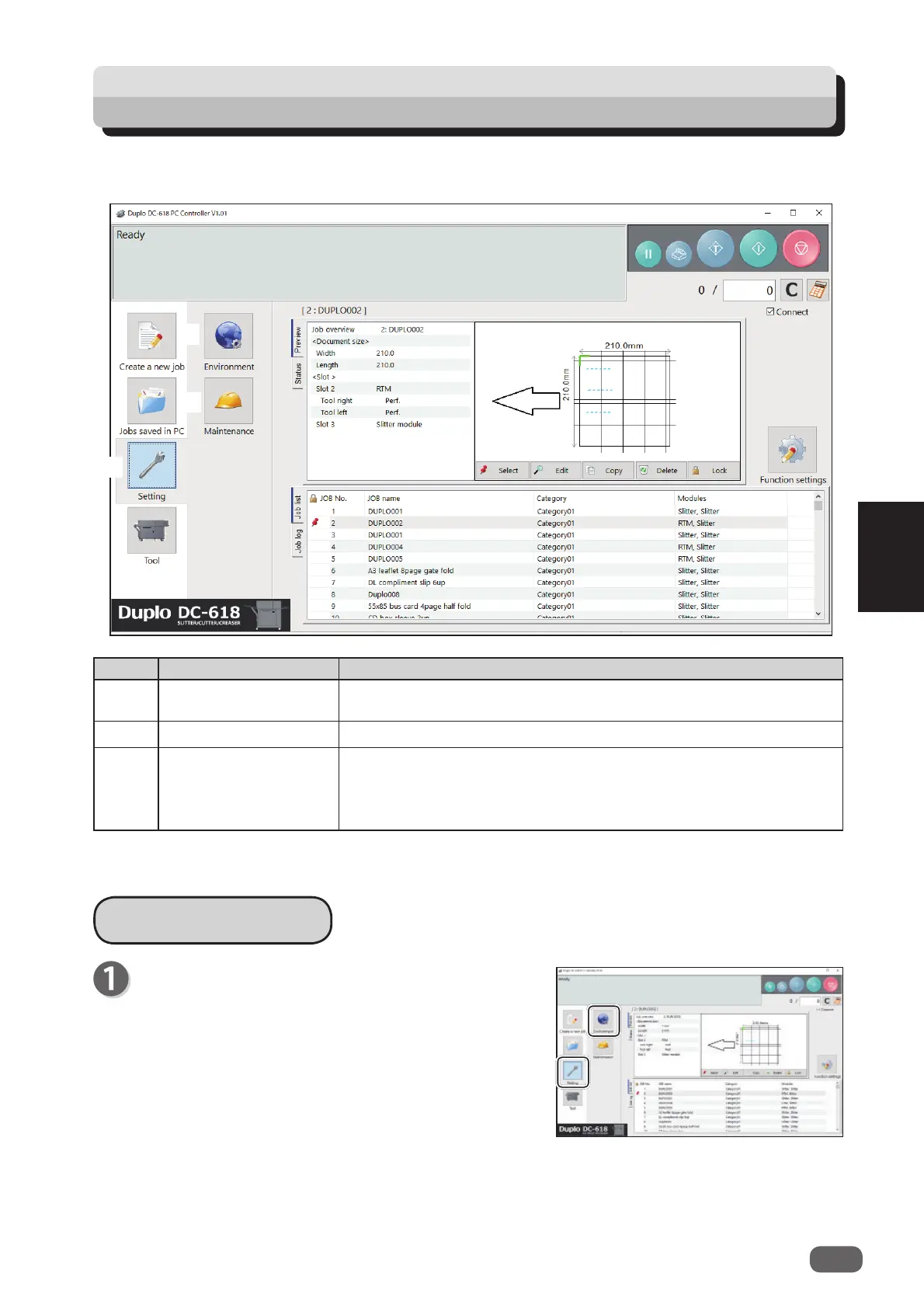
No. Name Function
1 Setting
Make default settings for the PC Controller. The other functions
are for a service person use only.
2 Environment Set default values for a JOB.
3 Maintenance
For a service person use only for making settings for connected
units, setting a language to be displayed and so on. A password
is required to access this. If any setting of those is necessary,
contact our service person.
This section describes the procedure for setting default for a JOB to be programmed, which is
related to the
RTM (Rotary Tool Module)
.
Environment
1
2
3
Click
Setting
and then
Environment
on the main
screen.



 To Next Page