JOB Entry
41
Programming a JOB on the Control Panel
2
Follow steps 6 to 8 in Direct - Advance Mode. (→P.35)
Direct - Simple Mode
Slit
Set processing positions for a
slitter module
:
Enter the distance from the right edge of the
document to the position for
SlitA
using the
NUMERIC keys.
A
margin slitter module
is installed in
slot 1
.
There are two programming modes in
Direct
,
Advanced Mode
and
Simple Mode
.
On the
Environment - Environment
screen, select
Simple Mode
for
Basic Mode
.
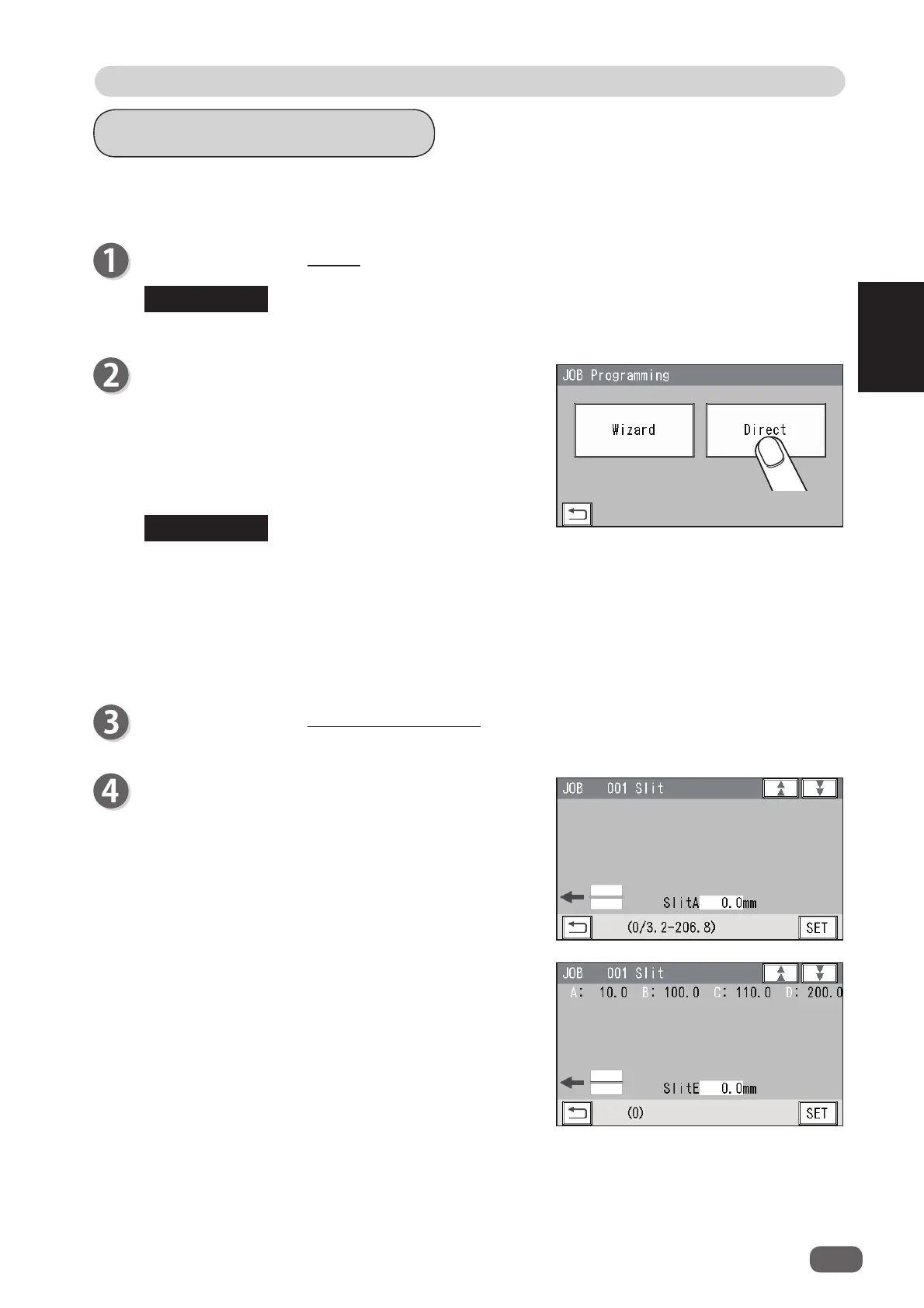
JOB Programming
Touch
Direct
.
Wizard
: This helps you program a JOB in a user size
in a simple way.
Direct
: This programs a JOB by entering a value of
each item.
You cannot reprogram the following JOBs in
Wizard
:
• A JOB programmed in
Direct
• A JOB saved in
Wizard
and edited in
Direct
• A JOB saved in
Wizard
by using the PC Controller
Save a new JOB as a diff erent JOB number or clear the JOB already saved and then save
the new one.
Follow steps 1 to 4 in Wizard. (→P.18)
The settable values are displayed in the lower left part of the screen.
If one
RTM (Rotary Tool Module)
is installed in
slot
2
or
slot 3
, enter values for processing positions
(
SlitA
,
SlitD
) of the margin slitters and those (
SlitA
,
SlitB
) of the center slitters.
REFERENCE
REFERENCE



 To Next Page