JOB Entry
40
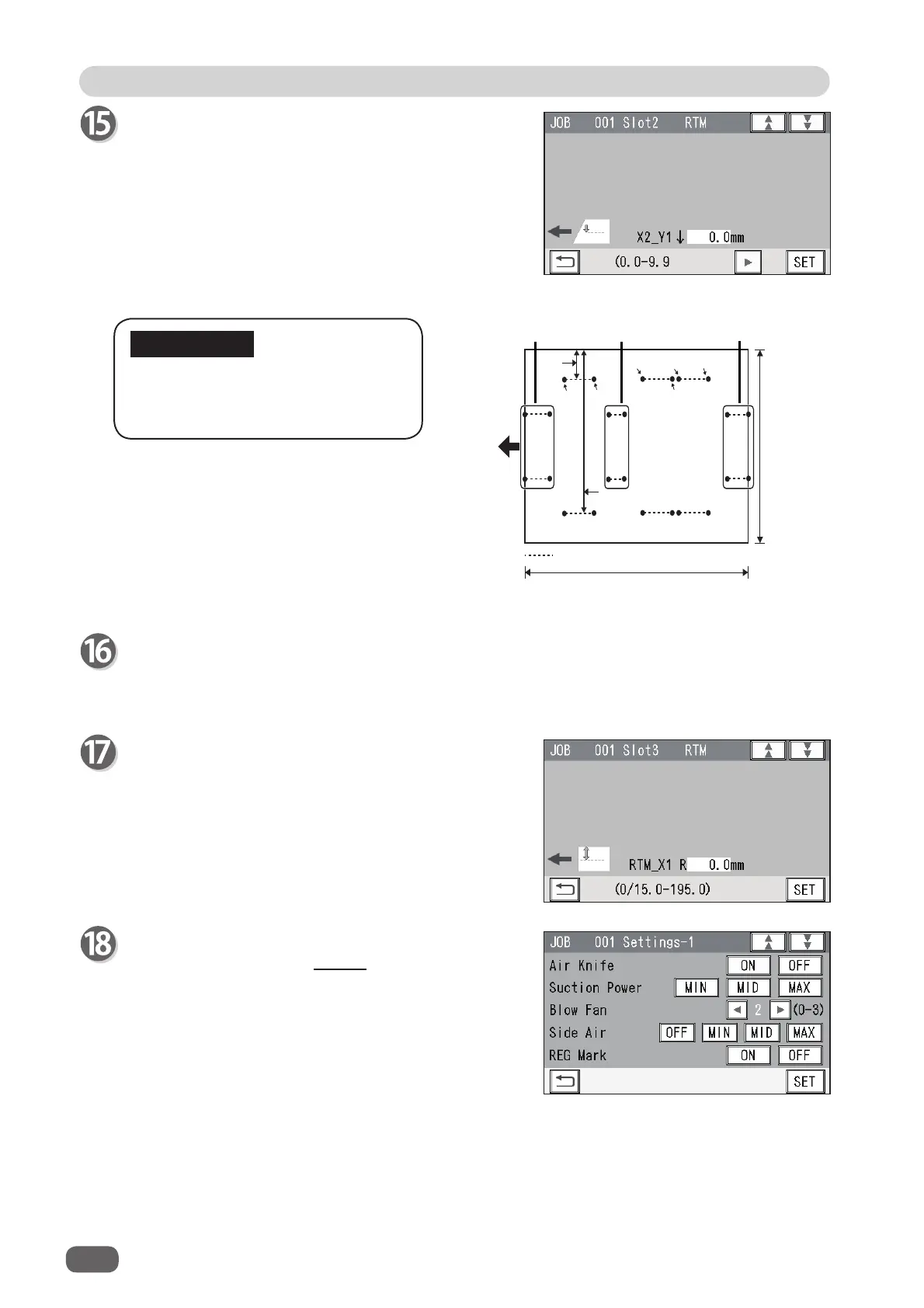
Processing a document in the Y
direction of
Pattern 2
can be made
between each set of
Pattern 1
.
Slot 3 RTM
If the
RTM (Rotary Tool Module)
is set in
slot 3
in
step 5, enter processing positions in similar ways to
steps 12 to 1
5.
You can set the second set in the X direction and the
sixth set in the Y direction.
Slot2 RTM
Enter values for
X2_Y1↓
to
X2_Y
6↑
in a similar way to
step 13.
If you have selected the
RTM (Rotary Tool Nodule)
in
slot 3
, go to step 17.
If you have selected another module, go to step 18.
The function setting screen appears.
Follow steps 20 to
24 in Wizard. (→P.29 )
IMPORTANT
;<2Q
;/
;<2Q
;<2II
;<2Q
;<2II
;5
3HUIRUDWLRQ
'RFXPHQW
IHHG
GLUHFWLRQ
;
<㸦/HQJWKZLVH㸧
;<2II
&URVVZLVH㸧
Set 1 of
Pattern 1
Set 2 of
Pattern 1
Set 3 of
Pattern 1



 To Next Page