For more information, refer to Chapter 3 Basic operations - Adjust in the DC-618
Instruction Manual.
2.
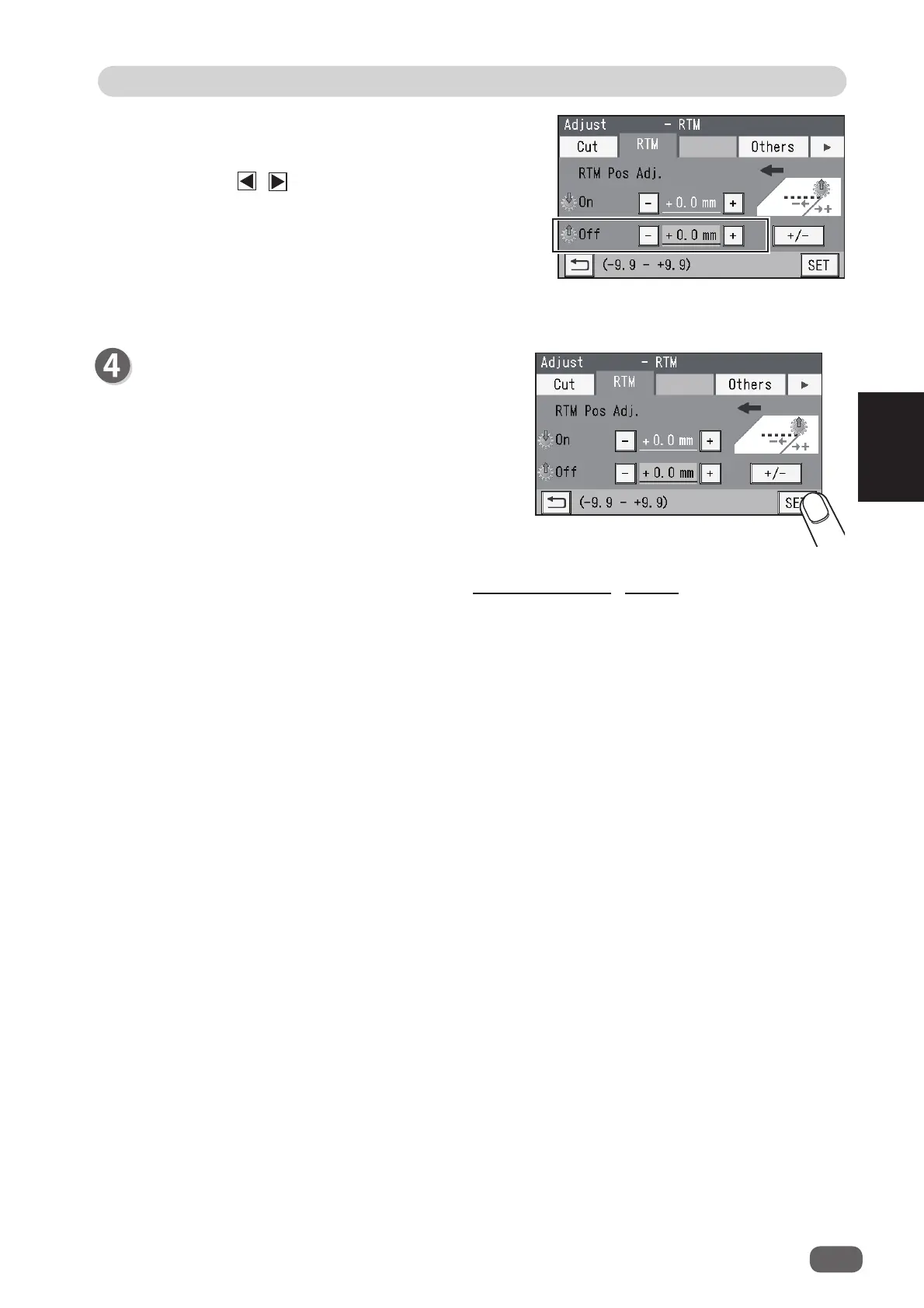
Off
This adjusts the processing stop position (raising
the tool) of the
rotary tool
.
Touch the / icon to adjust the value.
You can make an adjustment in the range of -9.9
to +9.9 mm.
+
: Moves the processing stop position toward the
document rear edge.
−
: Moves the processing stop position toward the
document lead edge.
Touch
SET
.
55
2
Adjust
Basic Operations
3



 To Next Page