4
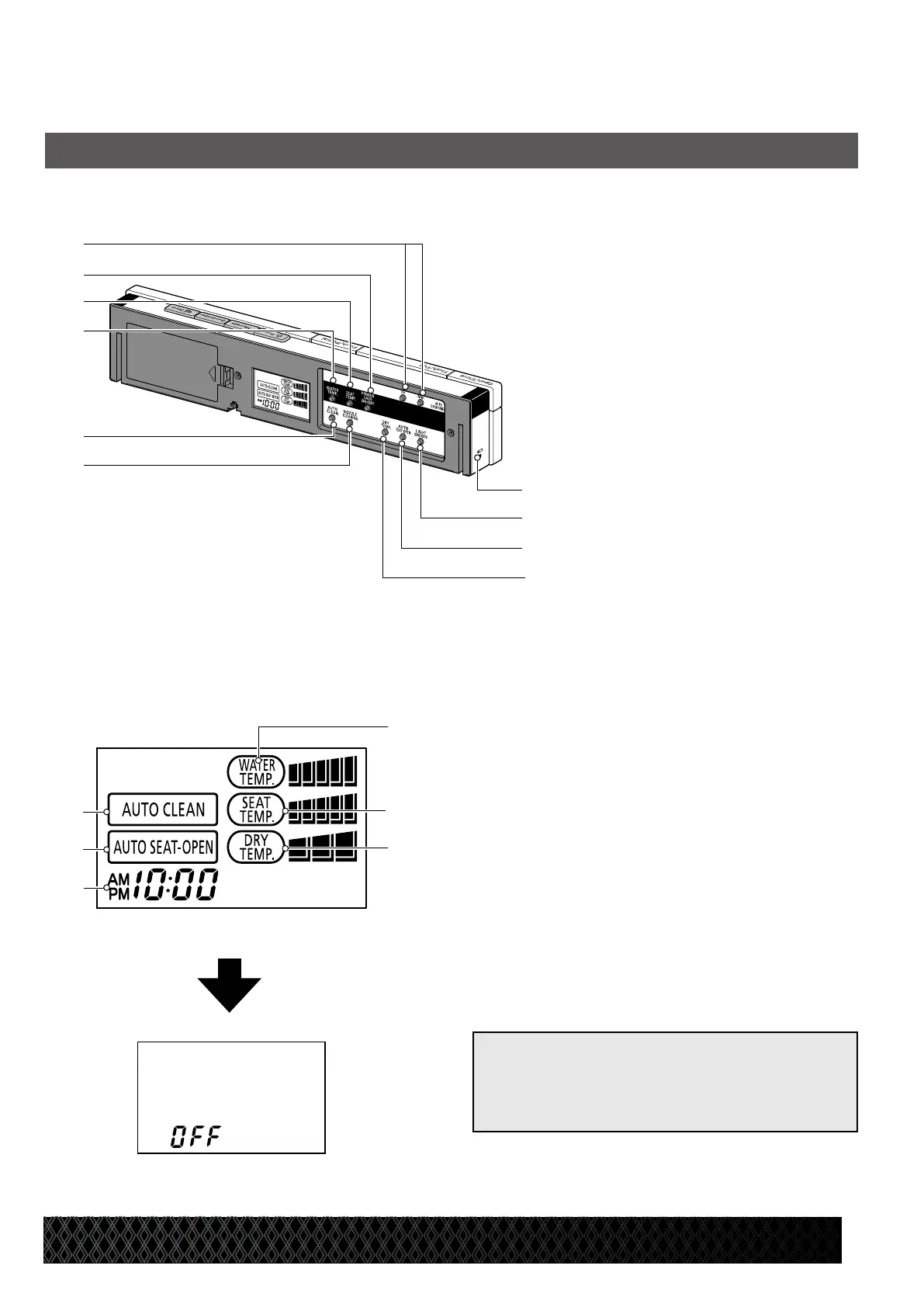
3. Secondary Panel LCD
When power is o
[Reference]
• When the power button on the remote
control is turned o, “OFF” is displayed on
the LCD.
k
Auto flush
l Auto seat-open
m Time
n
Water temperature indicator
o Seat temperature indicator
p Dryer temperature indicator
Remote Control Unit
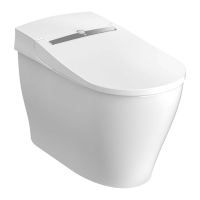
AT200 Features
k
l
o
m
2. Secondary Panel
a Hr/Min buttons
b Power save button
c
Seat temperature button
d Water temperature button
e
Auto flush button
f Nozzle cleaning button
g Battery LED
h Night light button
i Auto seat-open button
j Dryer temperature button
h
i
a
b
c
d
e
f
g
j
n
p


 To Next Page