5. SPECIFY ROUTER SETTINGS VIA WEB BROWSER
99
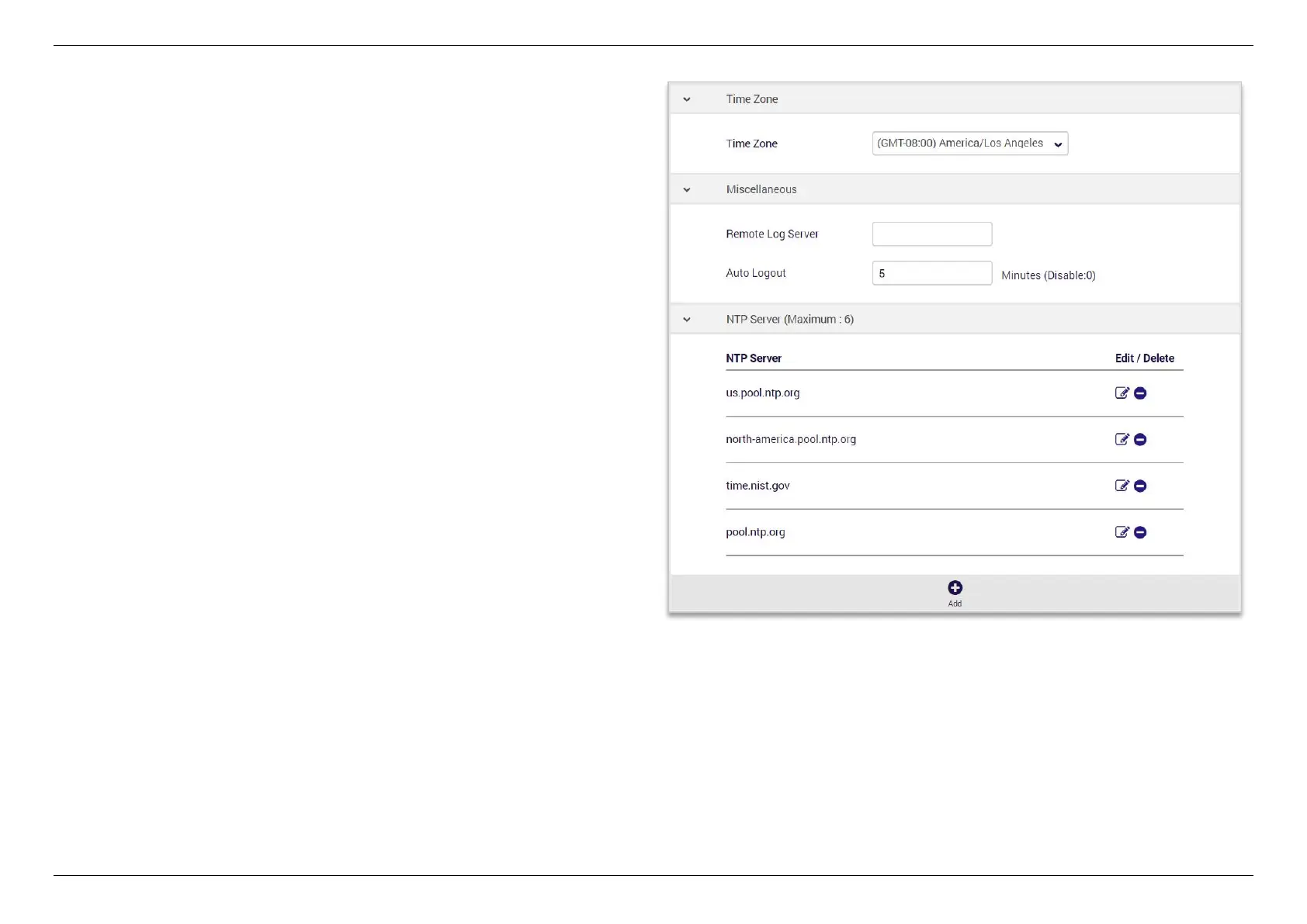
Time Zone- Set the time zone for your router. You can use a
Network Time Protocol (NTP) which synchronizes the date and
time with public time servers, or the router can get the date and
time automatically based on your selected time zone.
1. Select your time zone from the drop-down menu, and save
the settings.
2. If you want to use NTP to synchronize date and time with
public time servers, enter the NTP Servers and Save
settings.


 To Next Page
 Loading...
