5. SPECIFY ROUTER SETTINGS VIA WEB BROWSER
86
5.6.3.2 OpenVPN Server
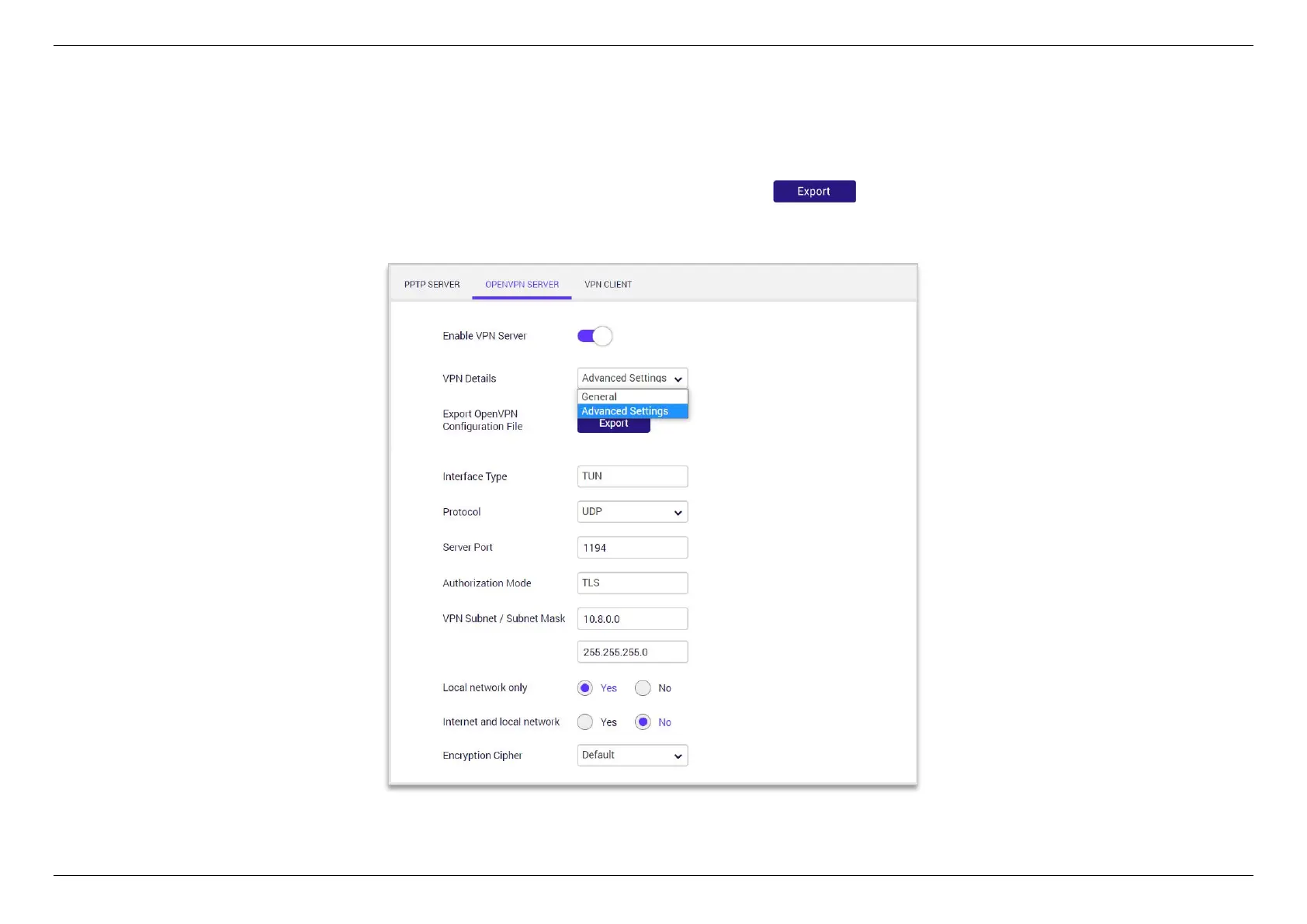
OpenVPN is a robust and highly flexible tunneling application that uses all of the encryption, authentication, and certification features of the
OpenSSL library to securely tunnel IP networks over a single TCP/UDP port. Enable the VPN Server and then select General or Advance Settings
from the VPN Details dropdown menu to configure the VPN settings. You can use the button to export the configuration file.


 To Next Page
 Loading...
