5. SPECIFY ROUTER SETTINGS VIA WEB BROWSER
46
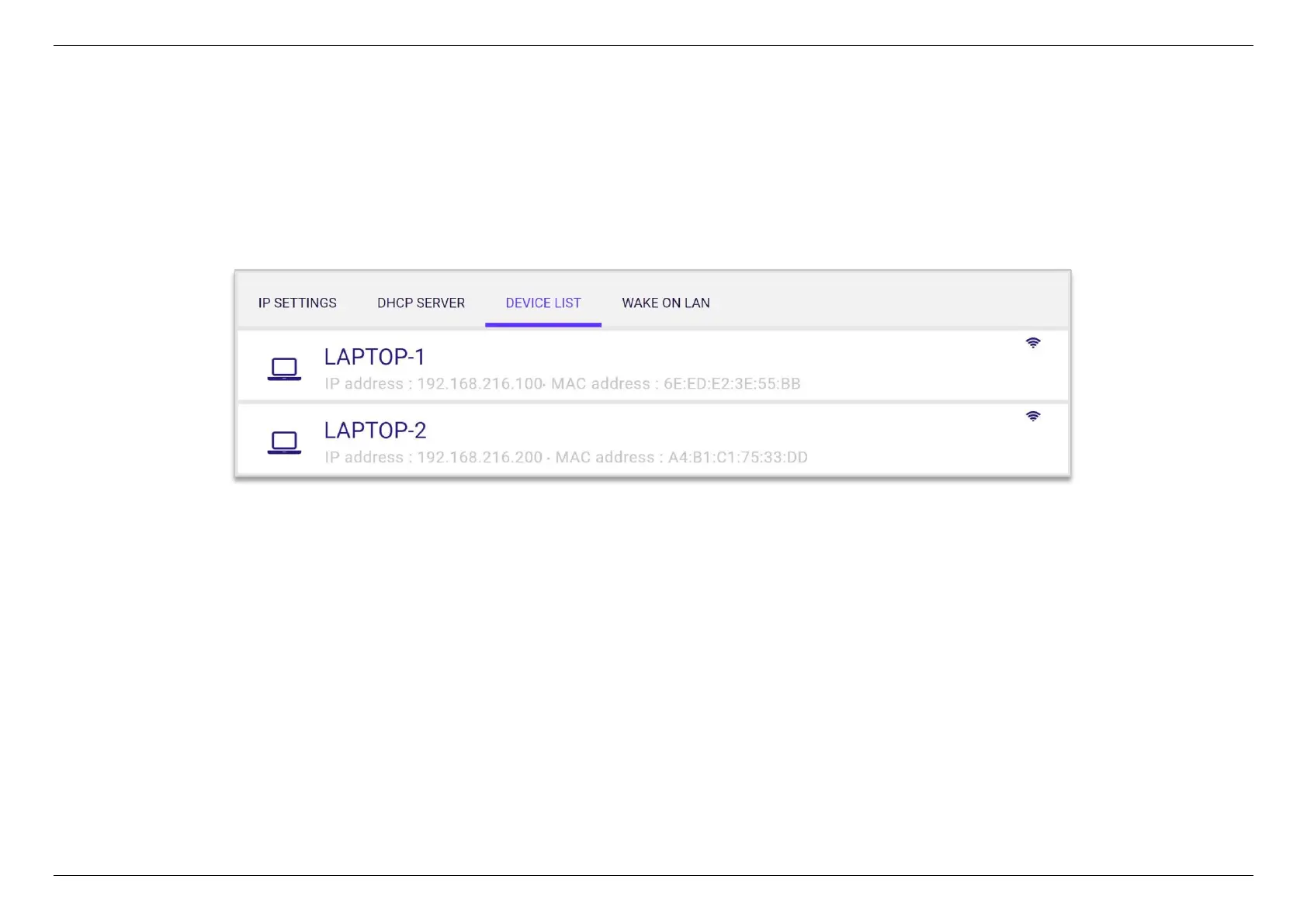
5.3.3.3 Device List
This page allows you to view all devices (clients) connected to your router, by Ethernet or WiFi, e.g. laptops, smartphones. More detailed information,
such as device name, connection type, IP address, MAC address of each device are specified on the list.


 To Next Page
 Loading...
